CAOA CHERY Tiggo: app installation and convenient launches
Models: CAOA CHERY Tiggo 5X · Tiggo 7 · Tiggo 8
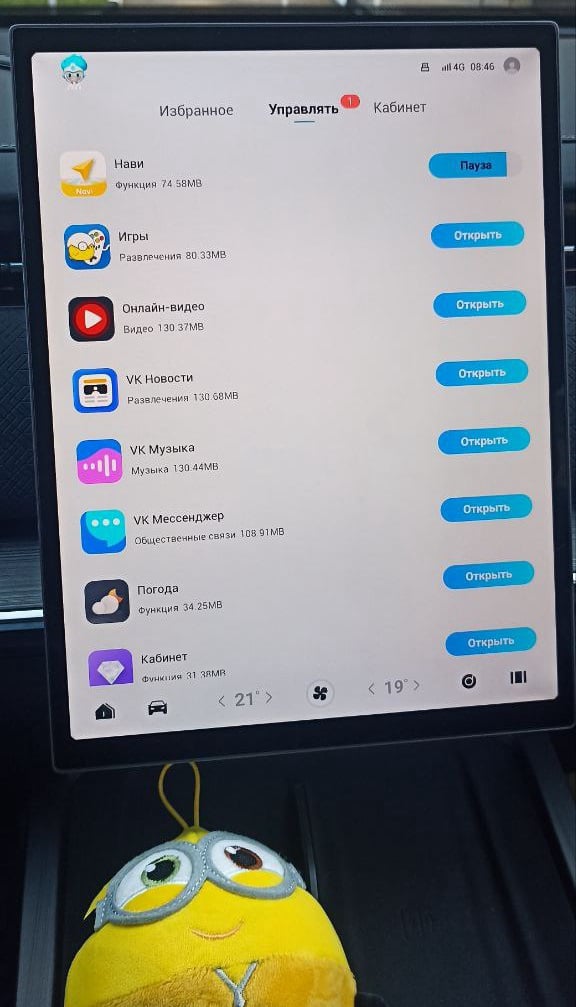
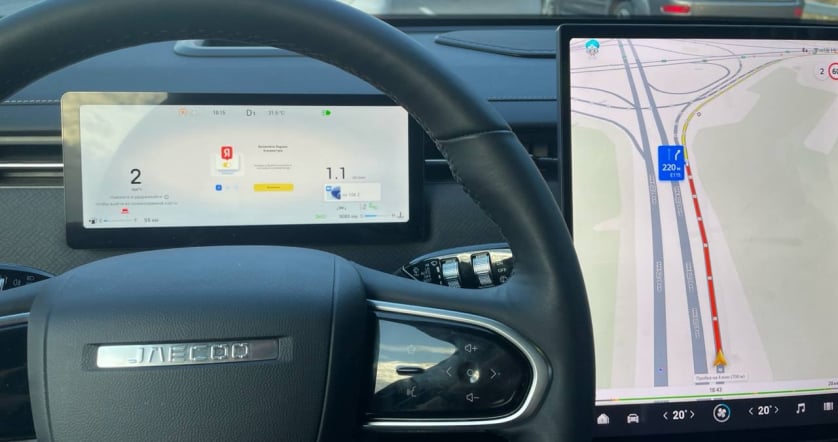
Your Tiggo, your apps. For CAOA CHERY owners, explore JCarTools for easier music, navigation and quick-action launches on the car display.
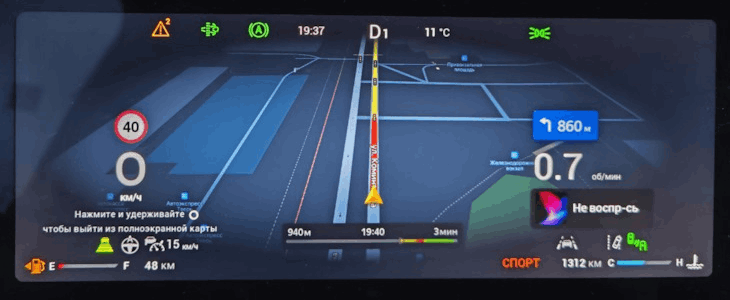
Models: CAOA CHERY Tiggo 5X · Tiggo 7 · Tiggo 8
Your Tiggo, your apps. For CAOA CHERY owners, explore JCarTools for easier music, navigation and quick-action launches on the car display.
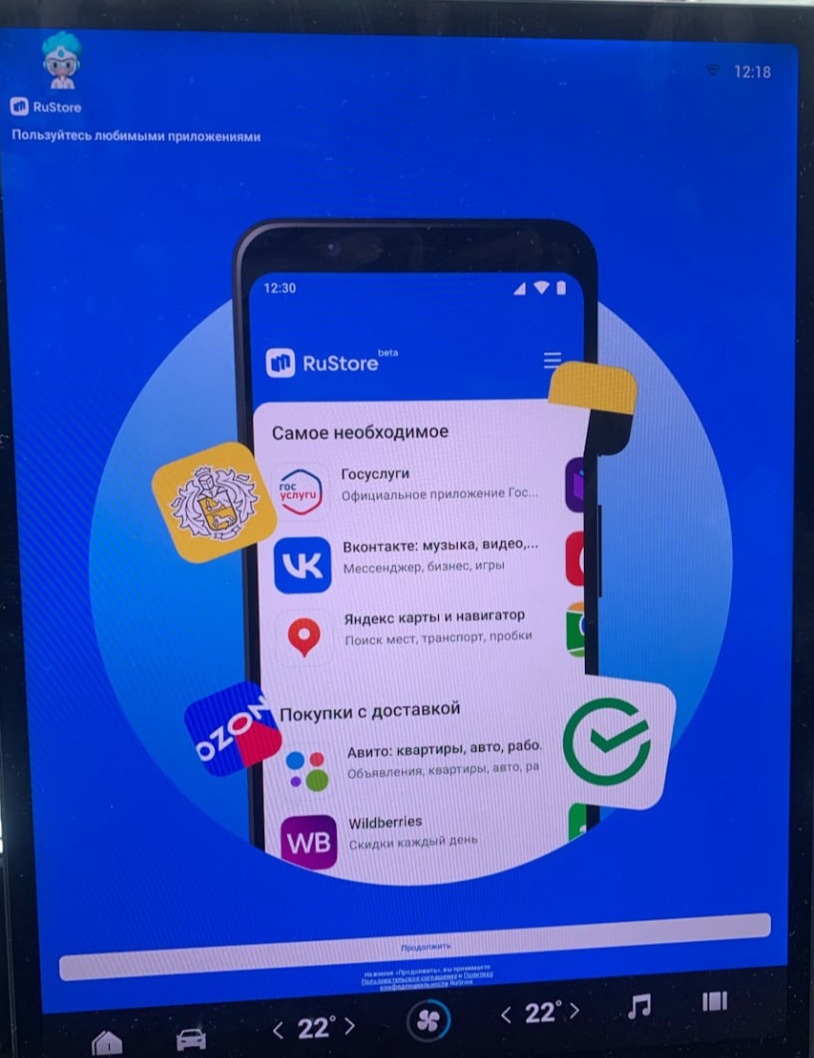
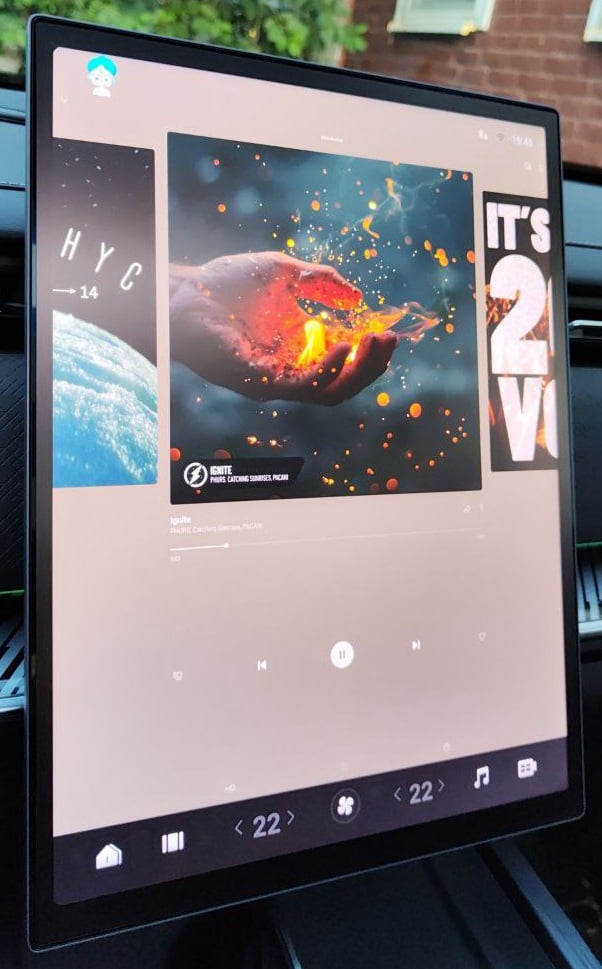
Add music and maps you already enjoy. A Tiggo screen can become an extension of your familiar services.
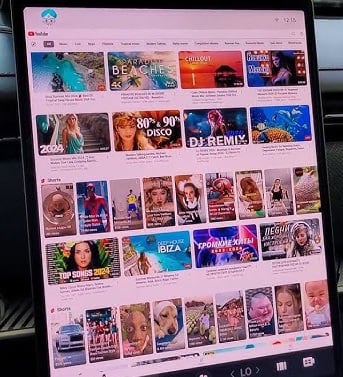
Between journeys in Brazil, open a favourite video on the Tiggo’s car display.
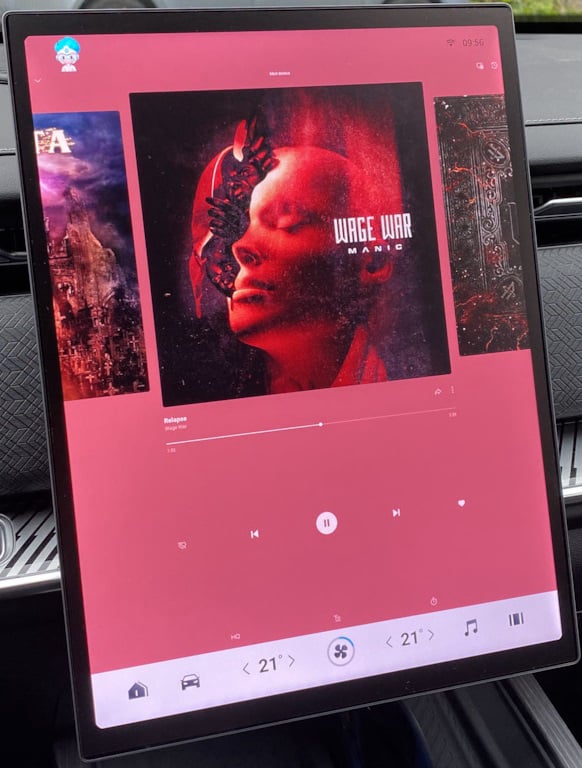
Your own collections make both city traffic and a long CAOA CHERY journey more enjoyable.
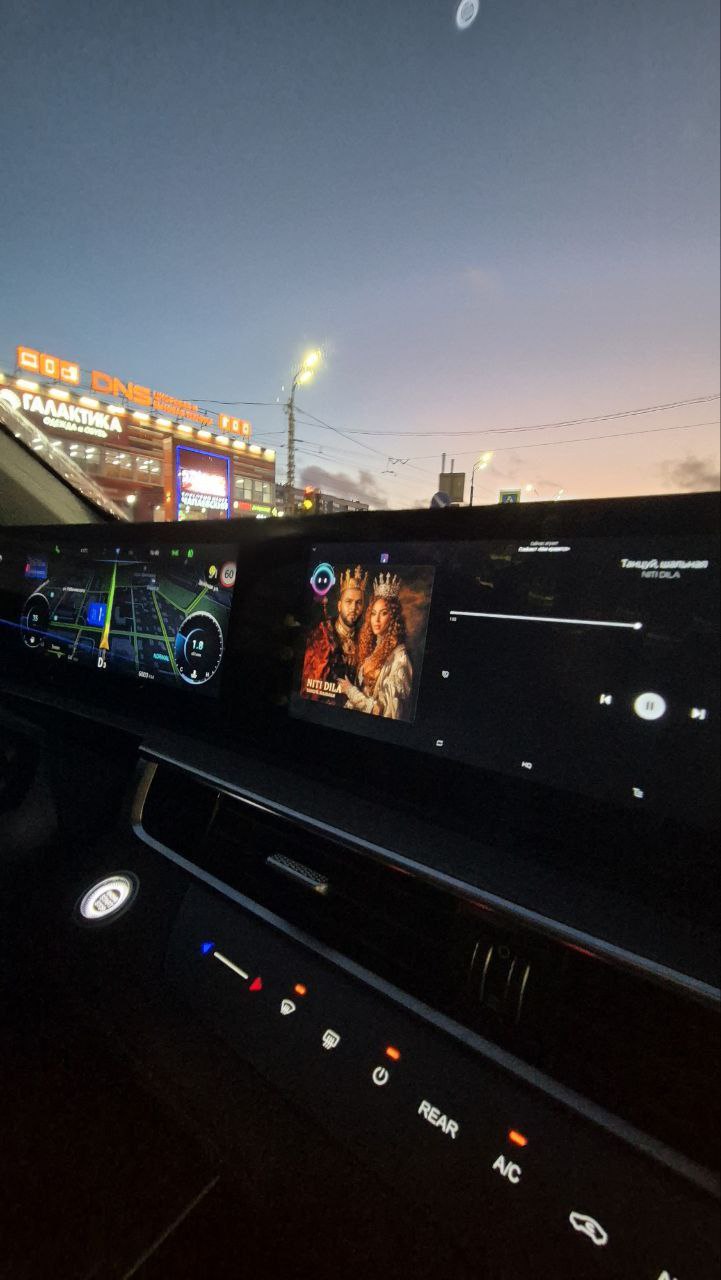
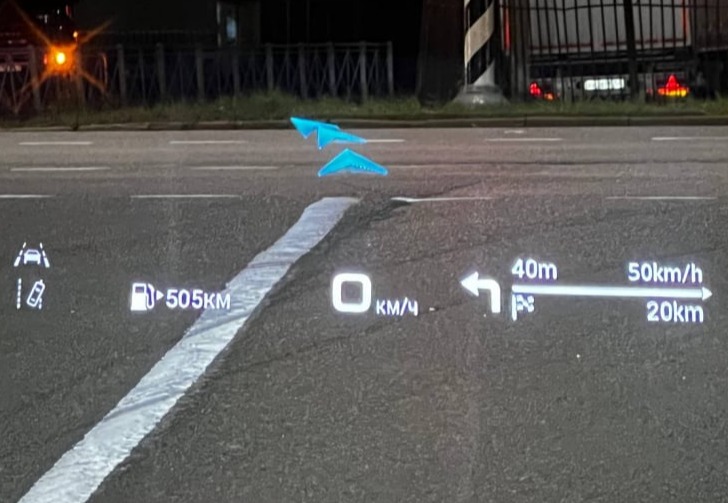
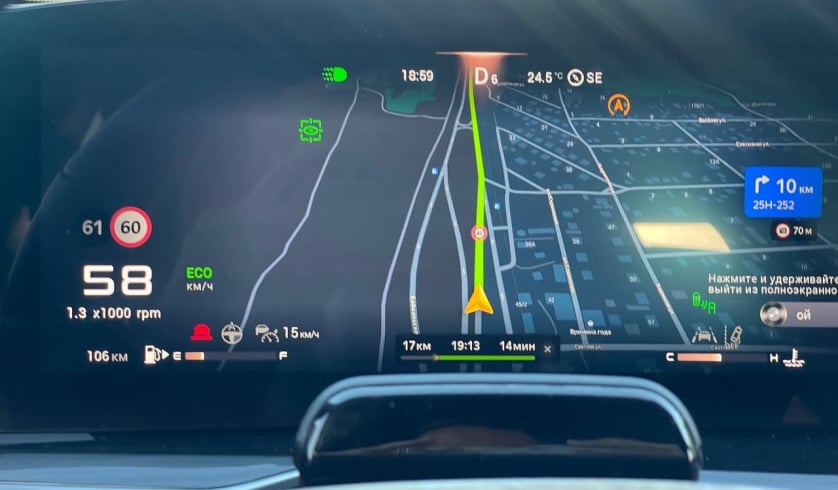
Choose a map for familiar streets and new destinations: navigation should suit your habits.
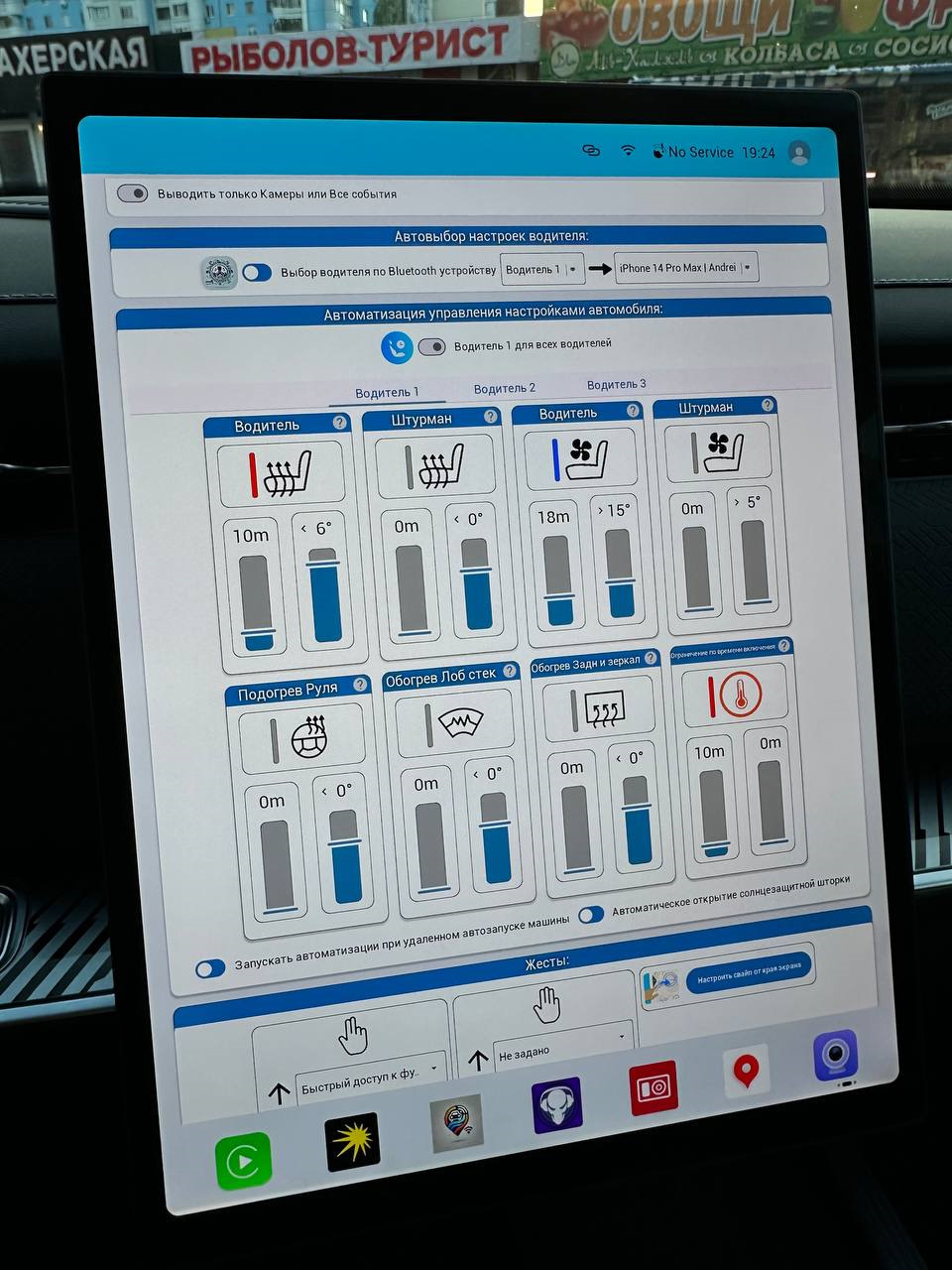
Combine repeated commands into a convenient Tiggo trip-start routine.
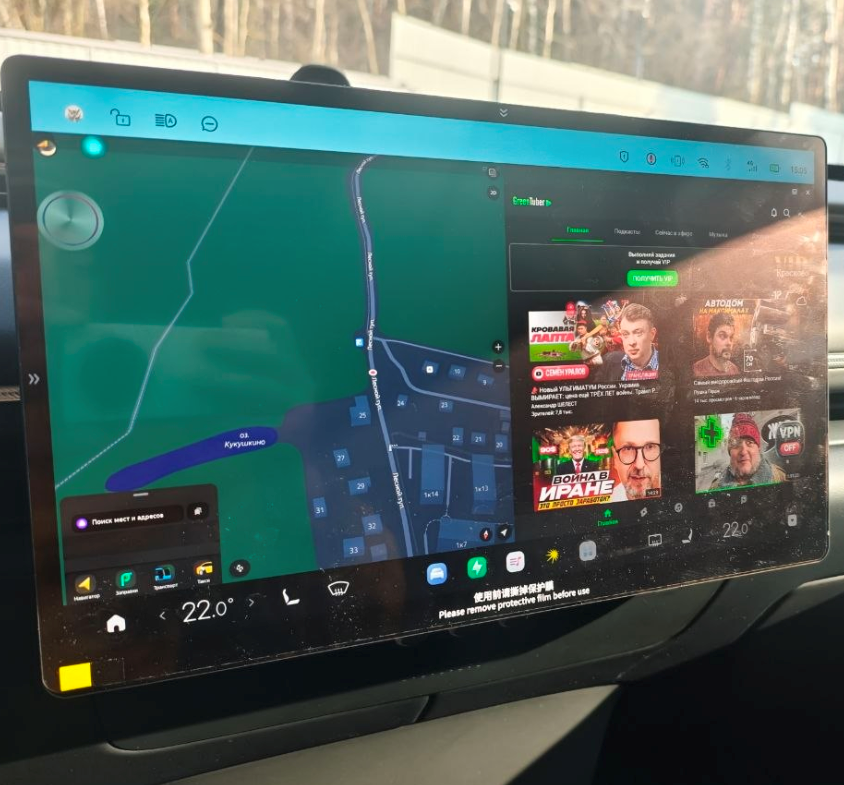
Two apps together combine route guidance and music selection without constantly changing screens.