Apps on CHIREY Tiggo and Arrizo: more freedom

Models: CHIREY Tiggo 4 Pro · Tiggo 7 · Tiggo 8 · Arrizo 8

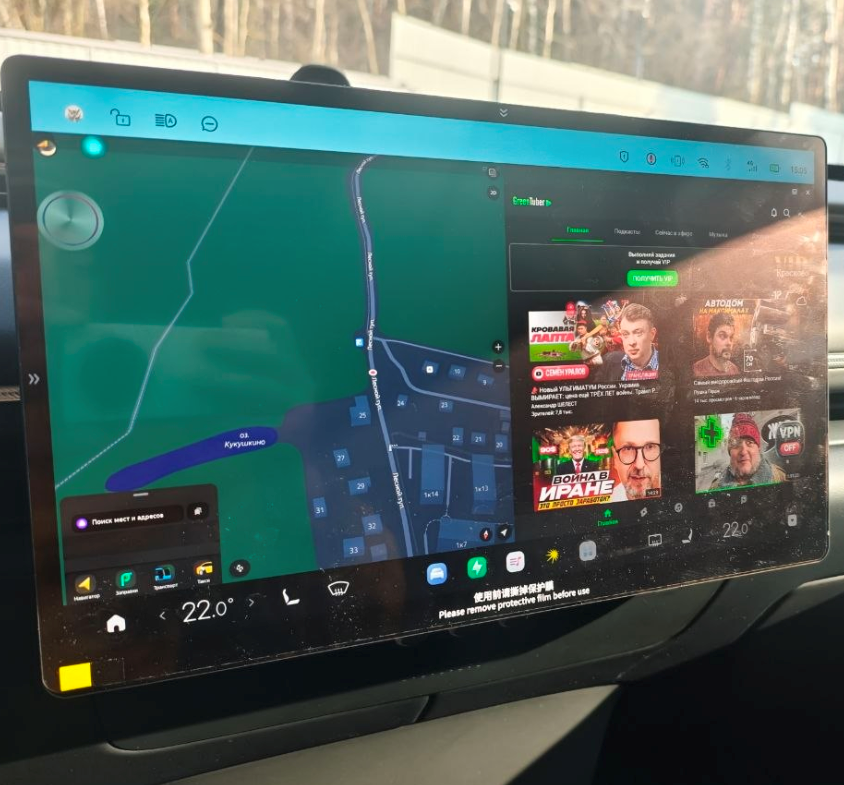
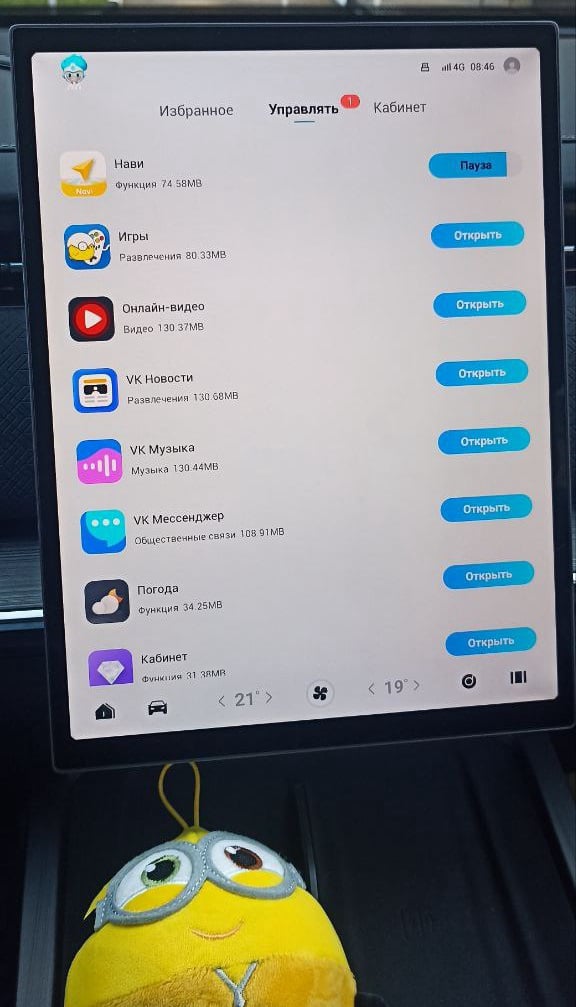
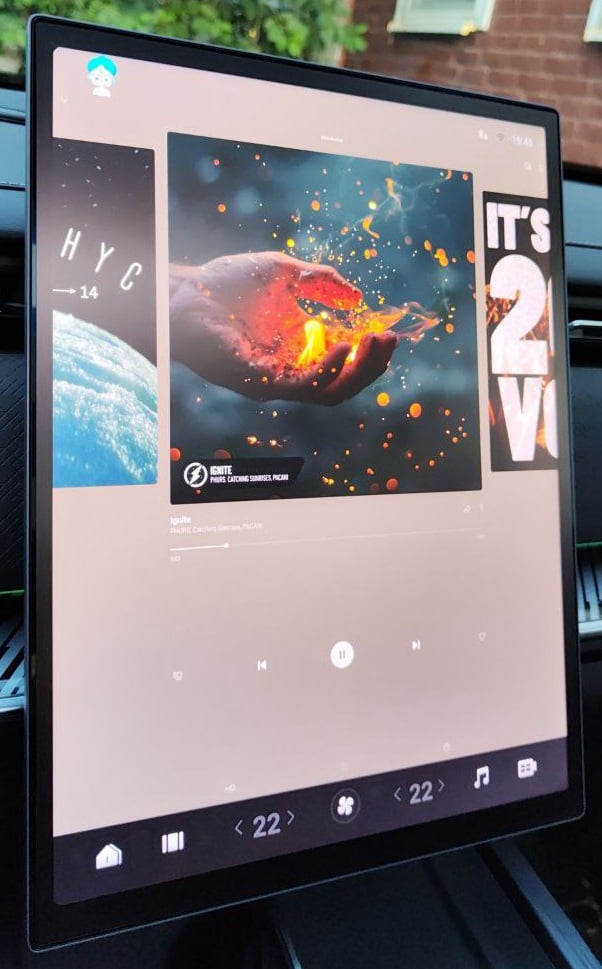
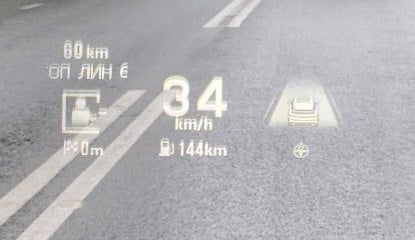
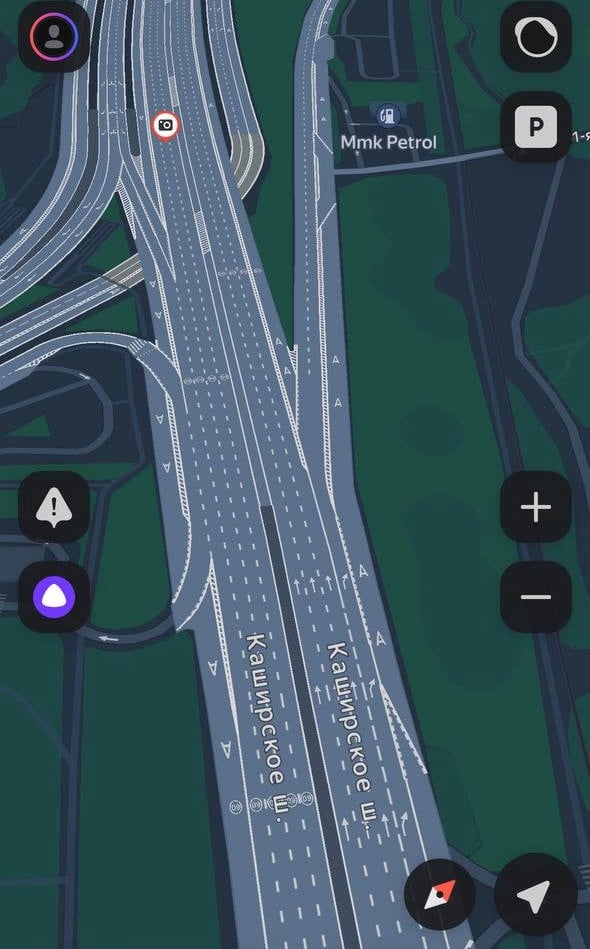
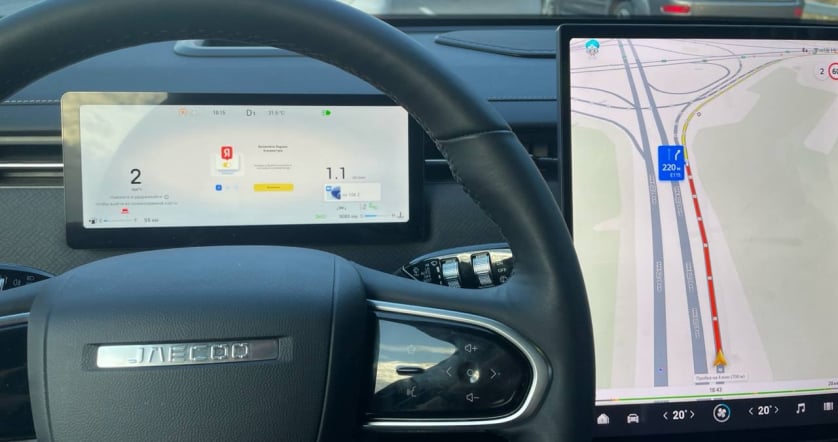
Bring familiar apps to the CHIREY screen. JCarTools helps make music, maps and useful commands easier to reach in the city and on longer journeys.
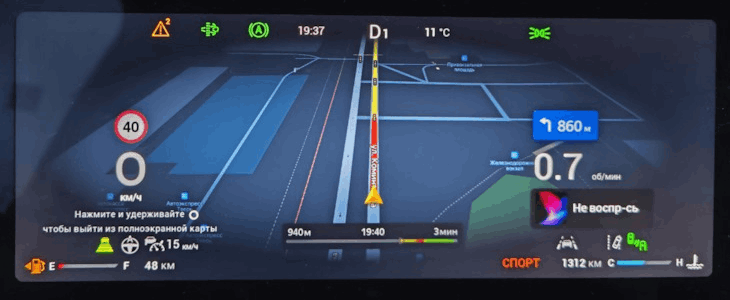
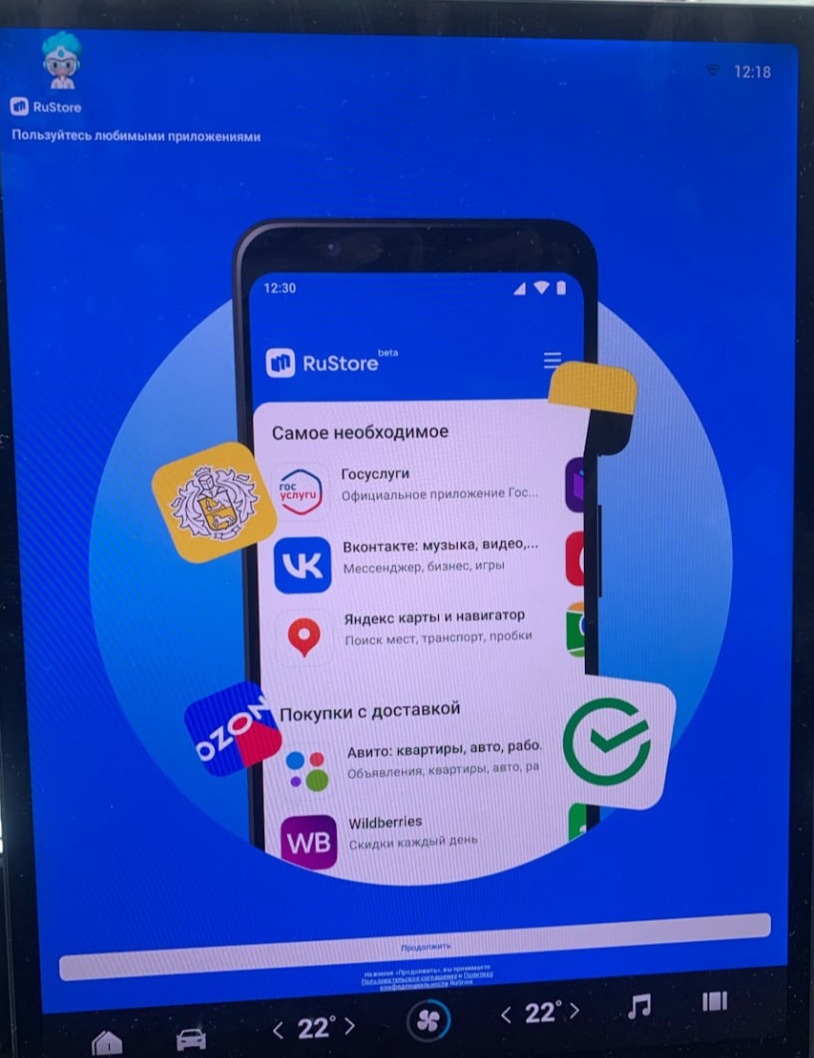
JCarTools feature example

With JCarTools You Can Also

A city route in the morning, a favourite album after work and a new destination at the weekend: discuss a CHIREY setup for these plans and choose how to launch it. Each trip need not begin by searching for the right icon.
JCarTools feature example
Store

Choose navigation and music services for journeys in Mexico. Useful apps matter more than a random collection of programmes.

JCarTools feature example
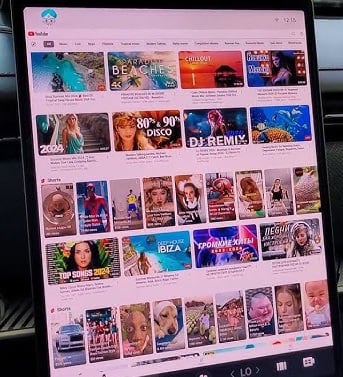
Video

Add entertainment for stops with favourite videos on the CHIREY screen.

JCarTools feature example
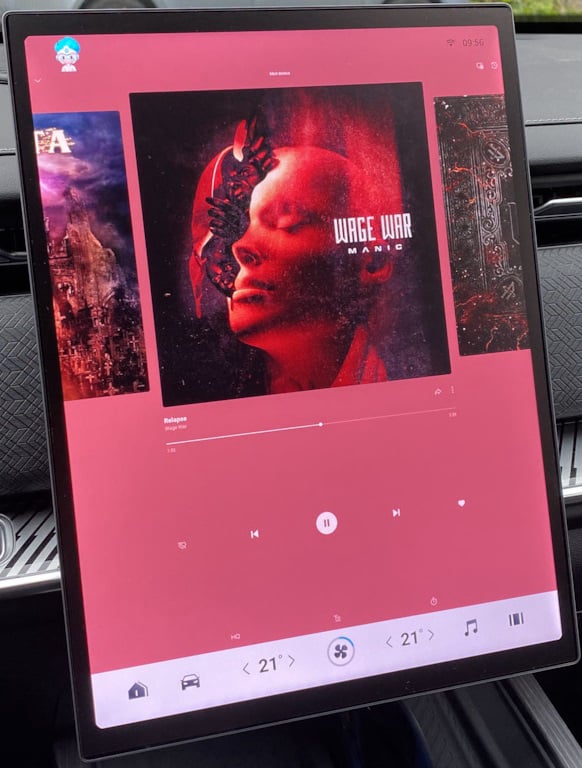
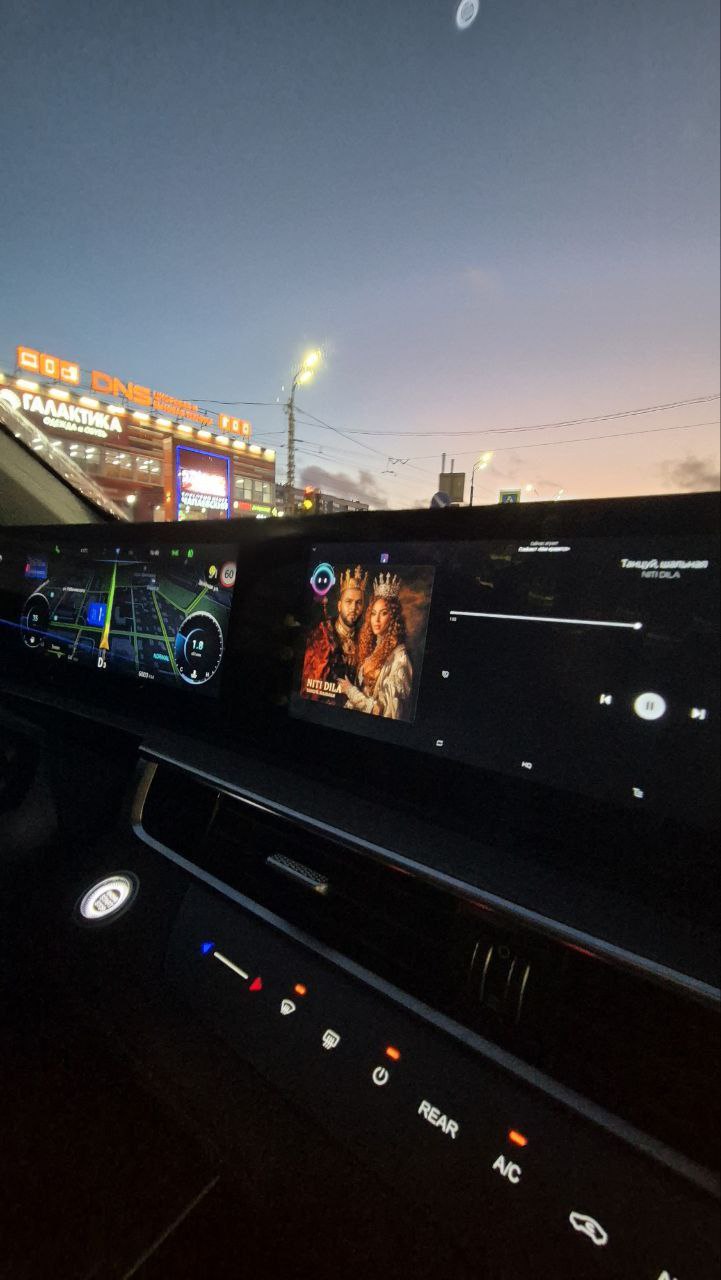
Music

From a morning commute to a weekend trip, choose your own musical atmosphere.

JCarTools feature example
Navigation

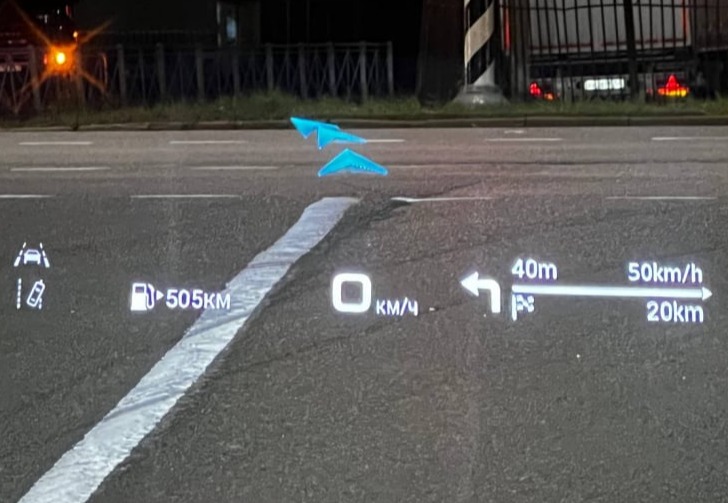
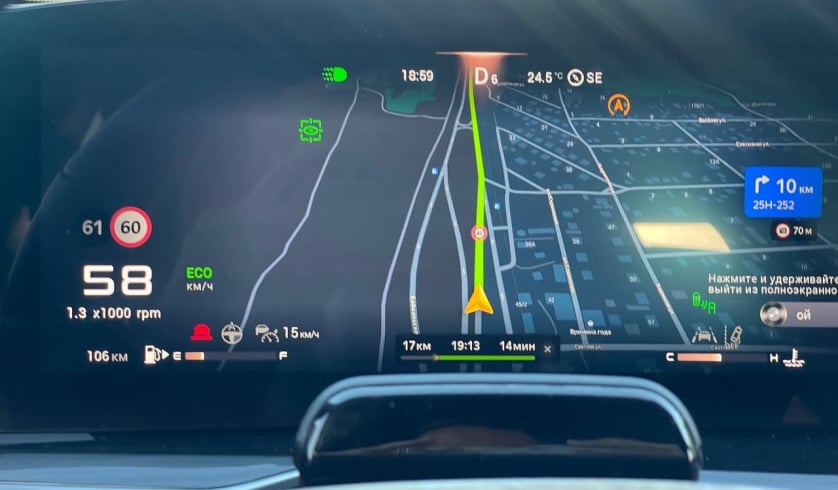
For journeys in Mexico, choose a map that feels useful at home and in a new city.

JCarTools feature example
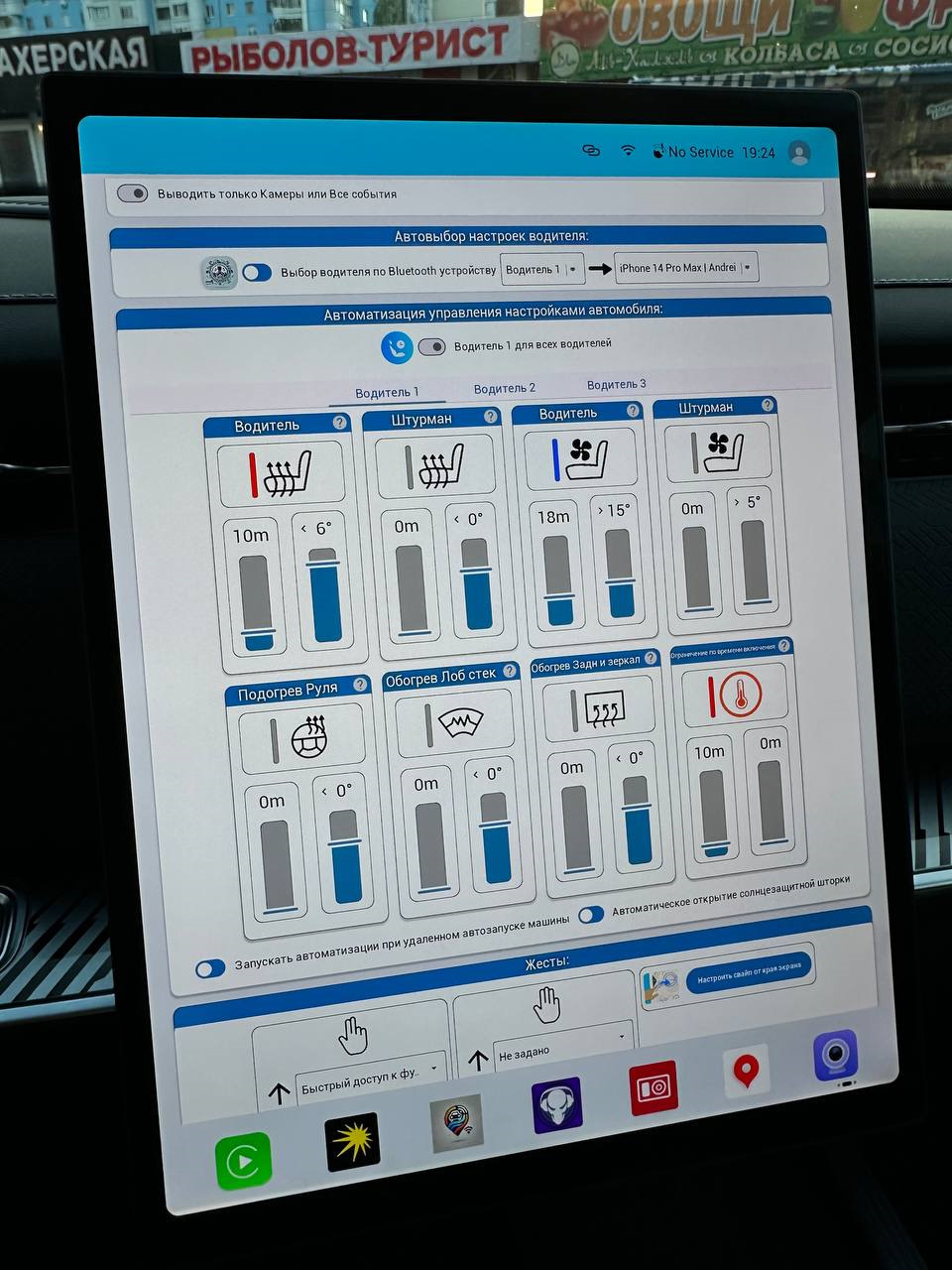
Automation

Prepare a short action sequence for your Tiggo or Arrizo and call it when needed.

Split screen mode on Android
Split Screen Mode

Keep a useful pair of apps together and organise the CHIREY screen around your day.

Frequently Asked Questions

JCarTools feature example

Warranty

No interference with the car's system. Uses only built-in OS functions.
JCarTools feature example

Difficulty

Very easy procedure. You need a USB TYPE-A - TYPE-A cable and a laptop with a browser or OTG adapter for phone.

JCarTools feature example

Safety

Installing apps does not harm your vehicle.
JCarTools feature example

After Installation

Post-installation FAQs

Start Installation

The process is very simple! You will need a laptop with Chrome browser, USB TYPE-A <-> TYPE-A cable, and a USB flash drive.

Contacts

Contacts
Telegram channel: