Apps on DR: familiar services in your car
Models: DR 5 · DR 6 · DR 8 — 2024+ versions
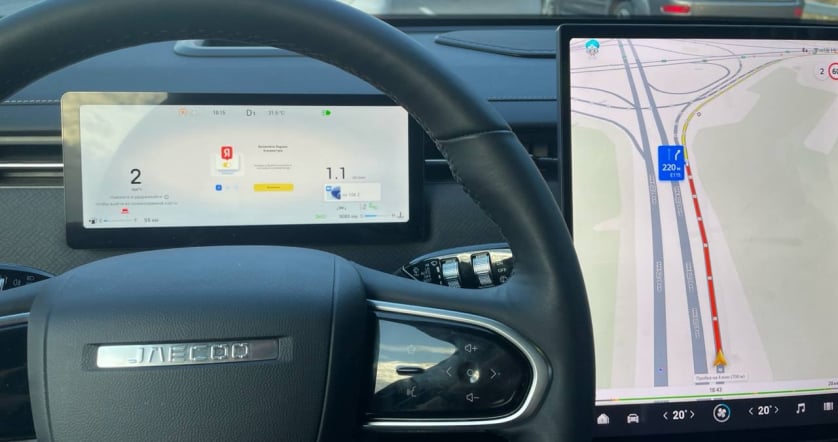
Favourite apps make a DR journey feel more familiar. JCarTools helps organise music, useful actions and convenient launch methods on a car screen.
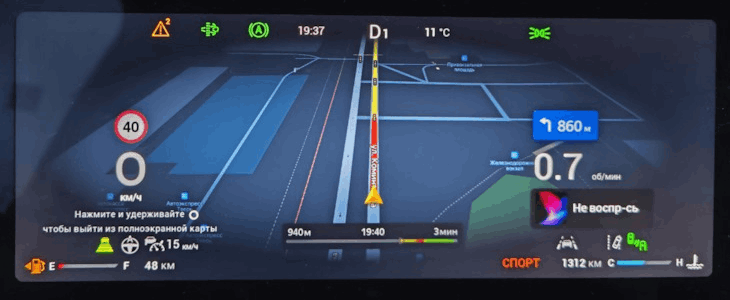
Models: DR 5 · DR 6 · DR 8 — 2024+ versions
Favourite apps make a DR journey feel more familiar. JCarTools helps organise music, useful actions and convenient launch methods on a car screen.
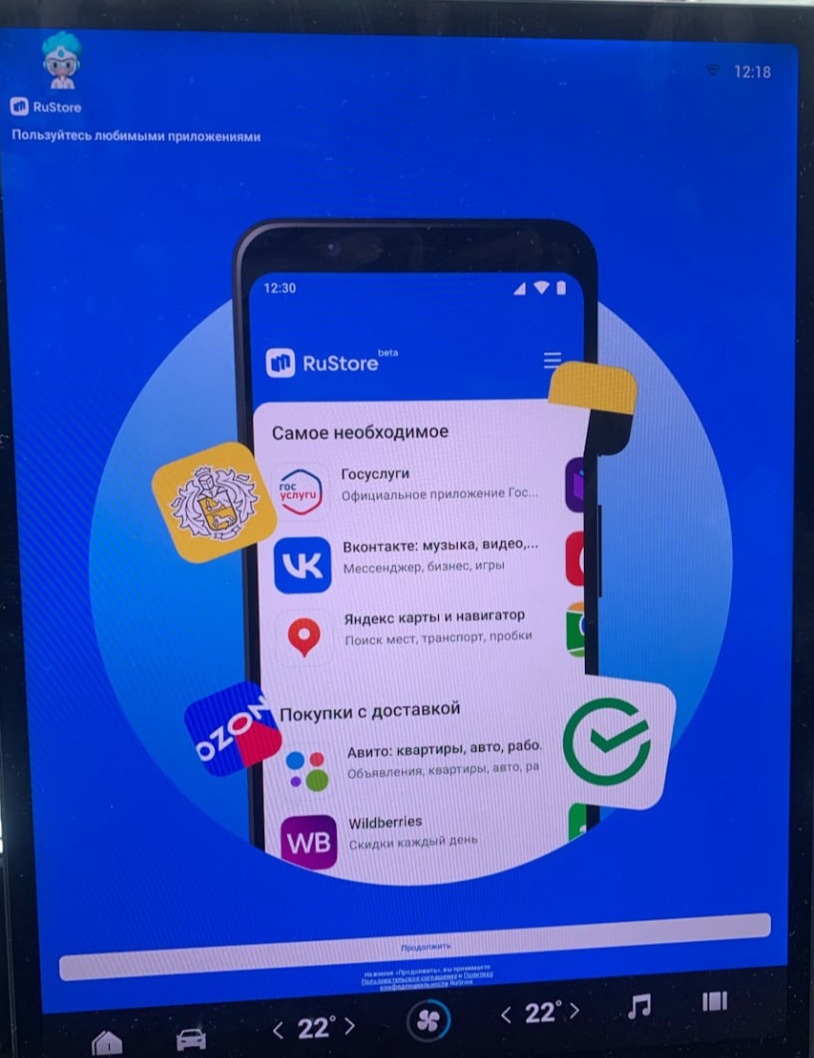
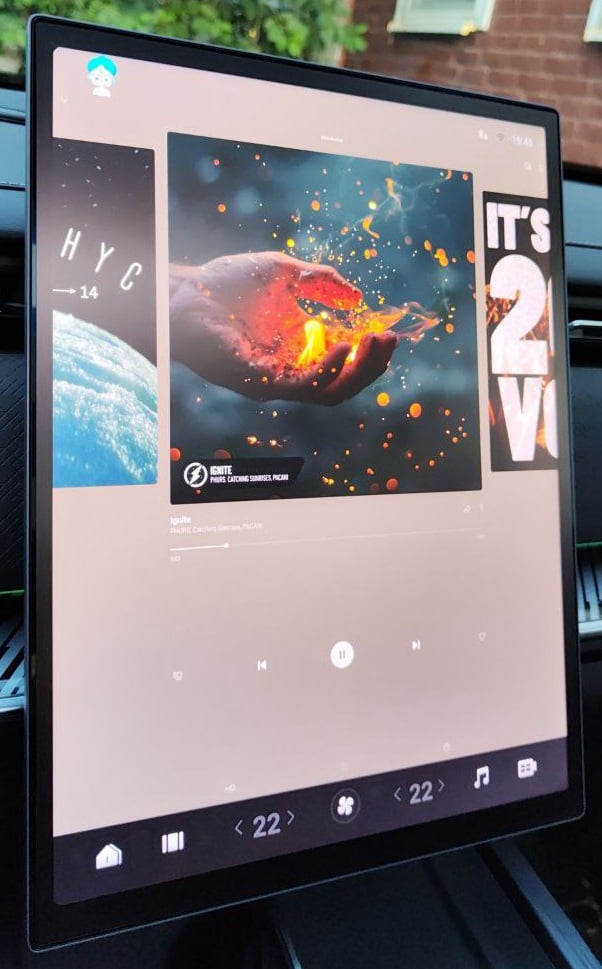
Add services that already hold your music collection. A new car need not mean changing a favourite app.
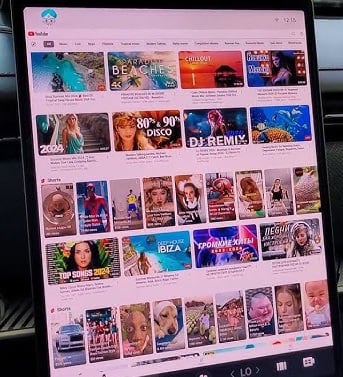
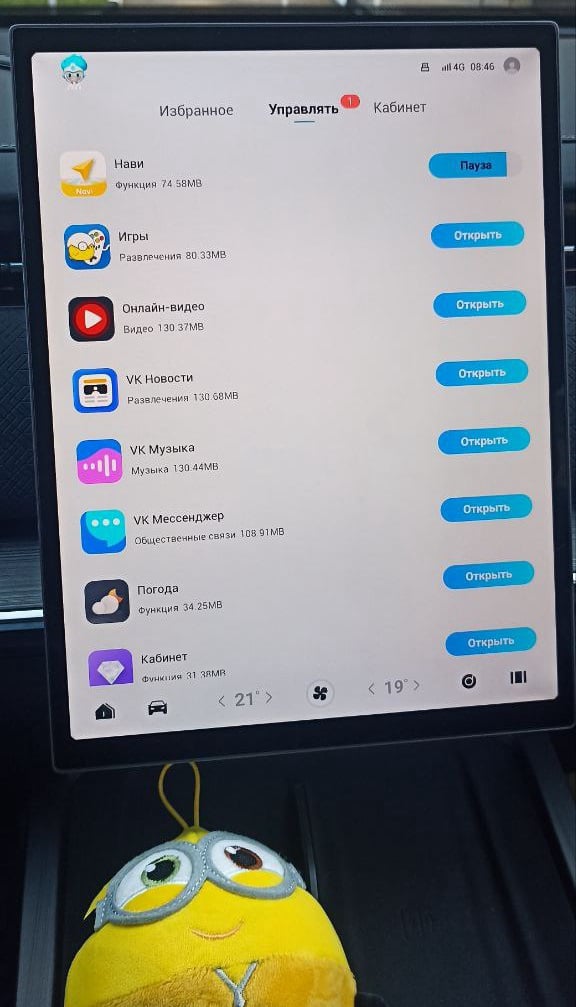
During a break, open familiar video and entertainment apps on the DR display.
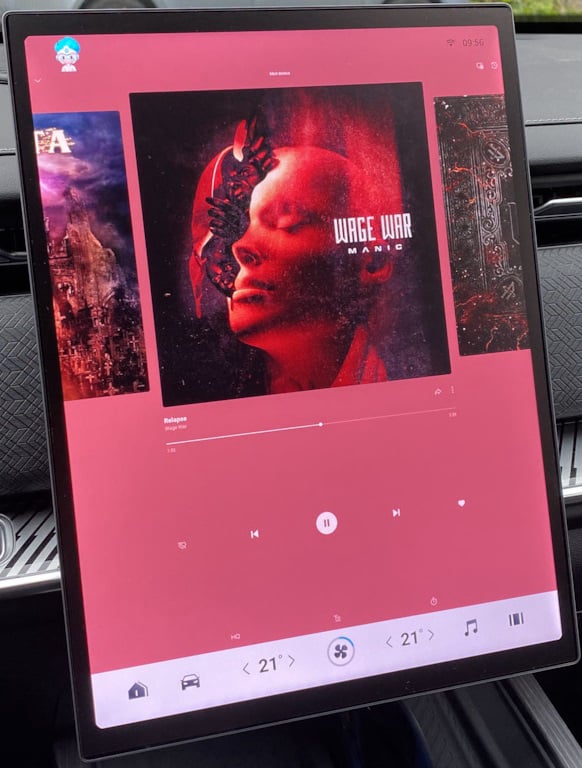
Familiar artists and favourite collections make even an unfamiliar road feel more like home.
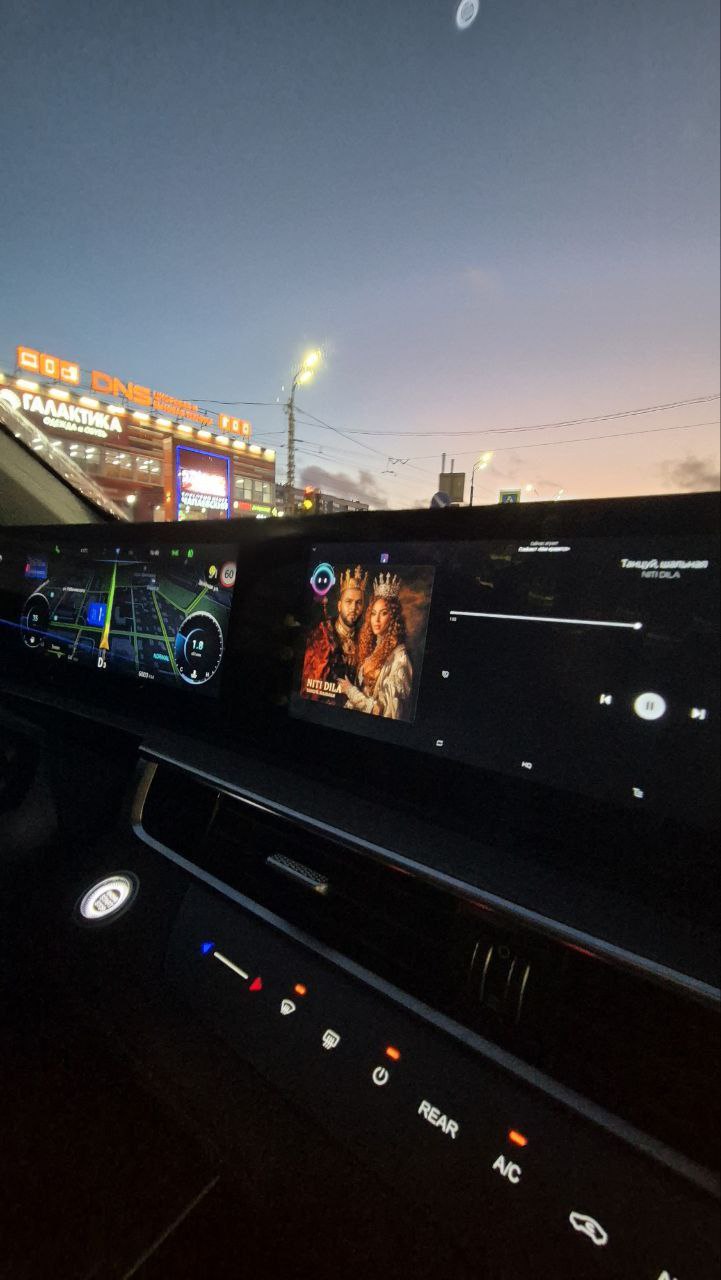
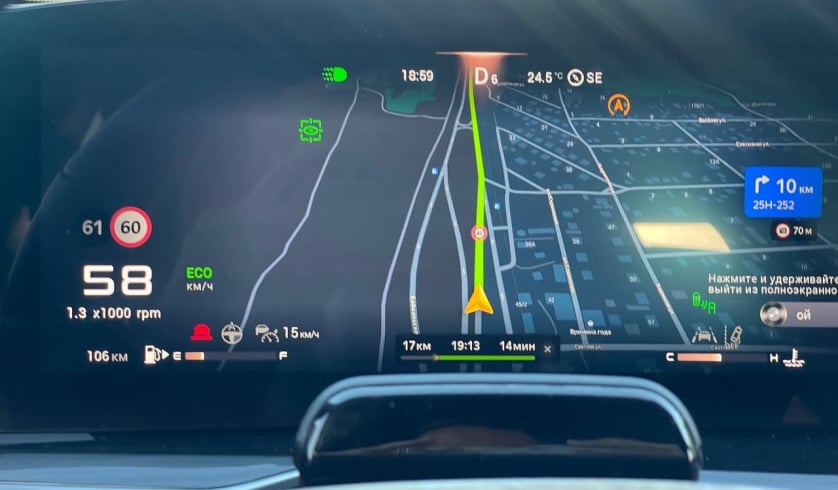
Choose navigation around your DR routes, whether a short errand or a longer journey.
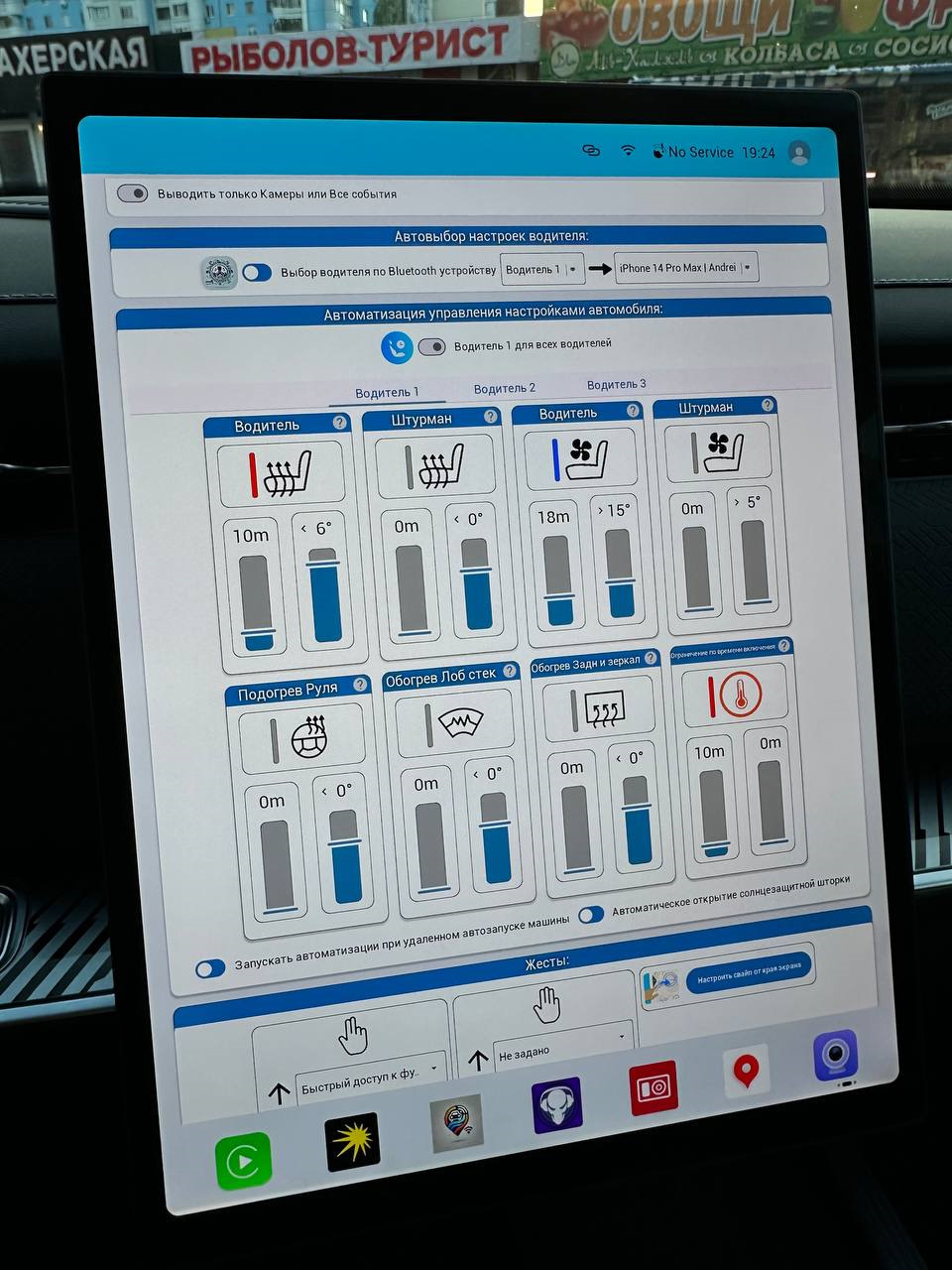
Reduce repetitive preparation using the automatic routines available in the app.
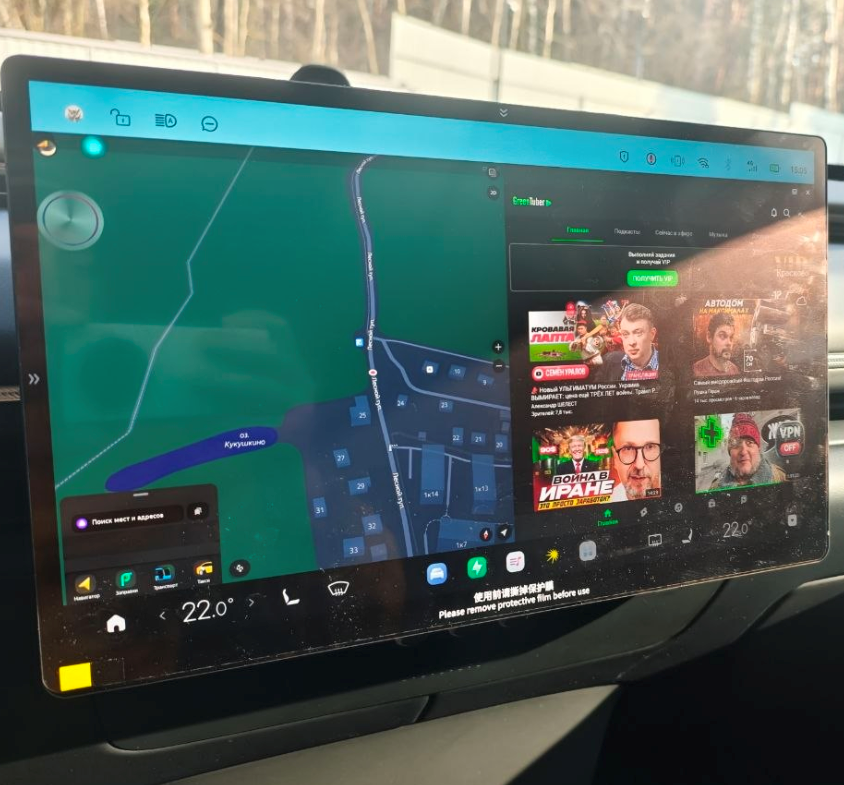
Keep your two most-used programmes together rather than constantly switching between them.