JCarTools for ESTEO: more possibilities on every journey
Models: ESTEO MX · V27 · EXLANTIX ET8
Give every journey its own useful setup. JCarTools helps ESTEO owners organise music, apps and shortcuts so the essentials stay close at hand.
Models: ESTEO MX · V27 · EXLANTIX ET8
Give every journey its own useful setup. JCarTools helps ESTEO owners organise music, apps and shortcuts so the essentials stay close at hand.
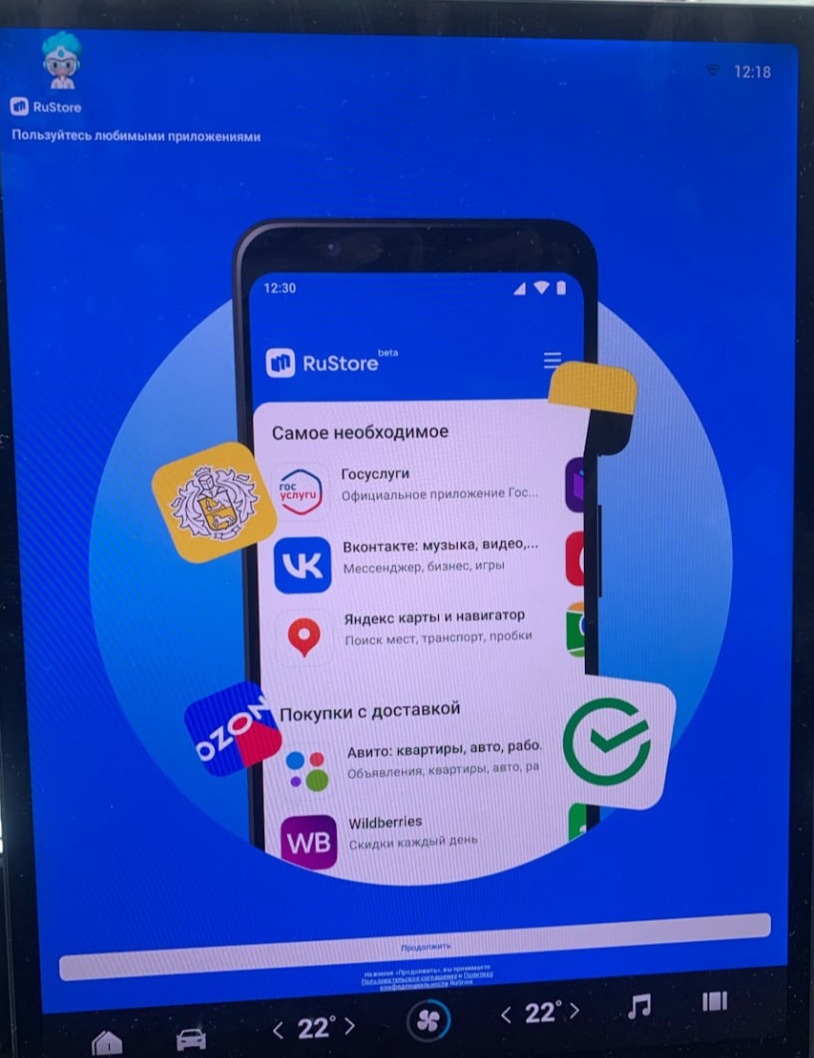
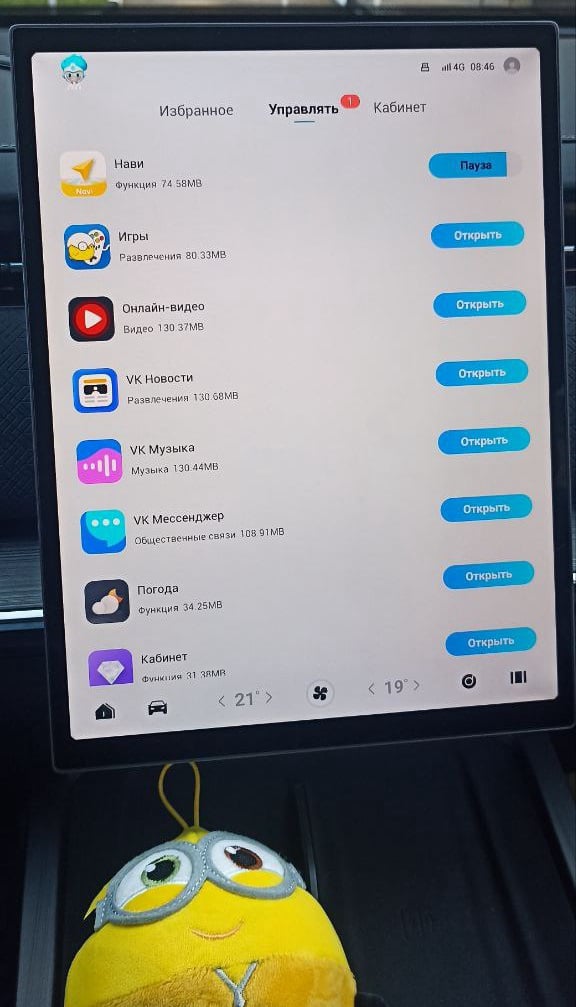
Add programmes for daily plans and travel. Start with a couple of favourites and grow your selection as needed.
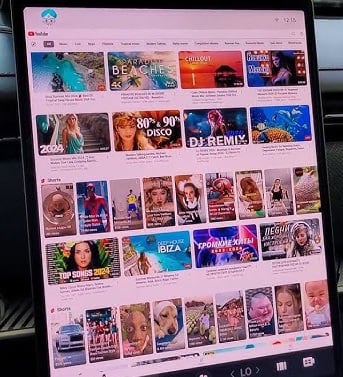
Video on the ESTEO screen is useful for a relaxed travel break: open something you enjoy while parked.
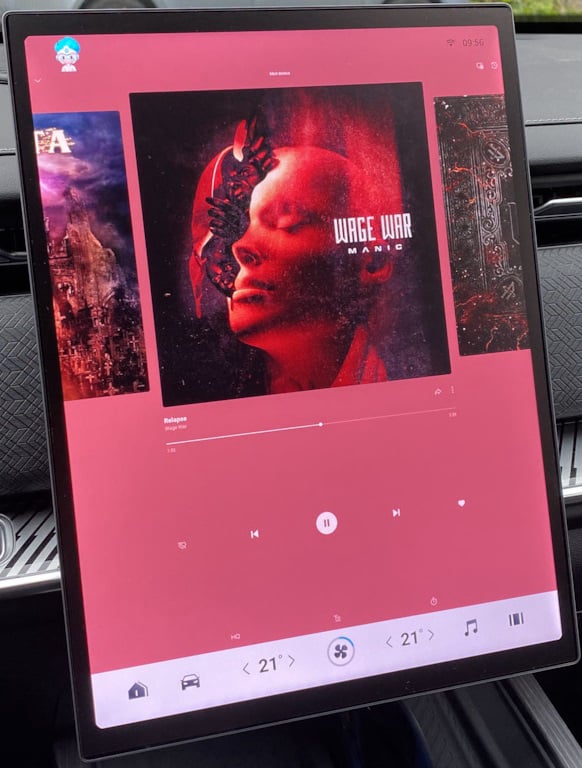
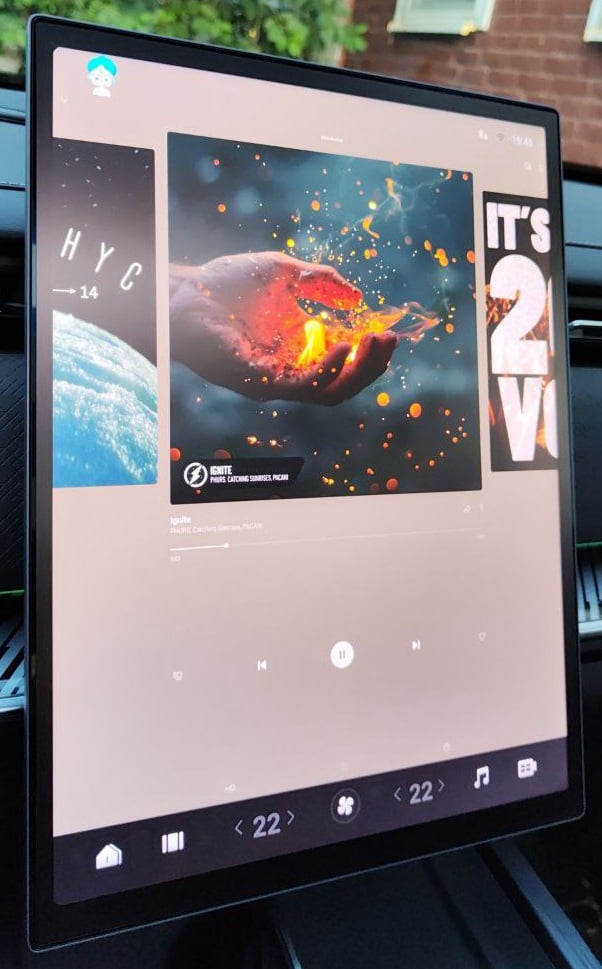
Prepare a personal music collection for your MX, V27 or ET8 and start the journey in the right mood.
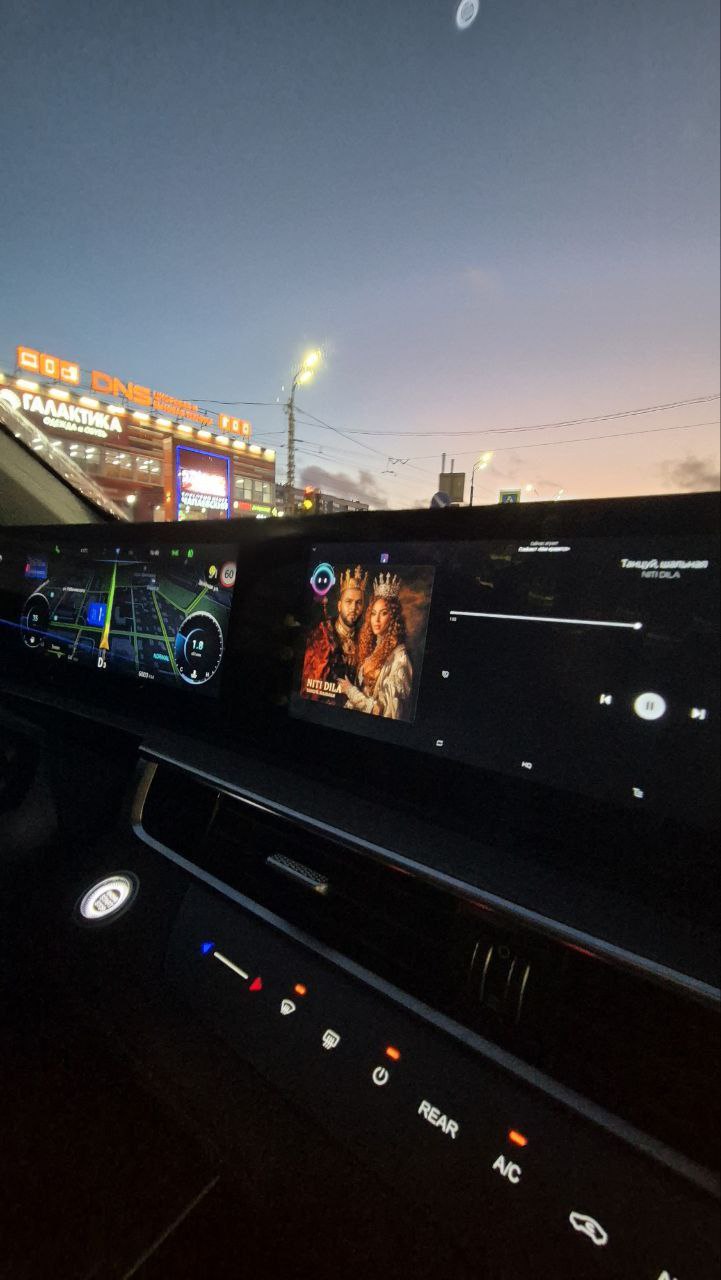
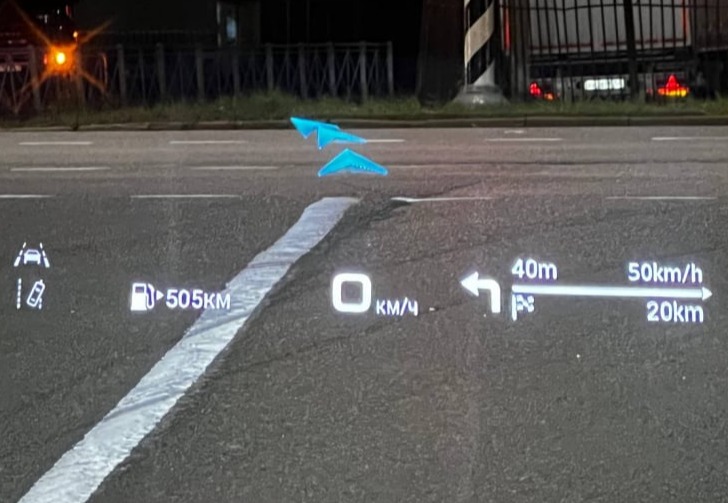
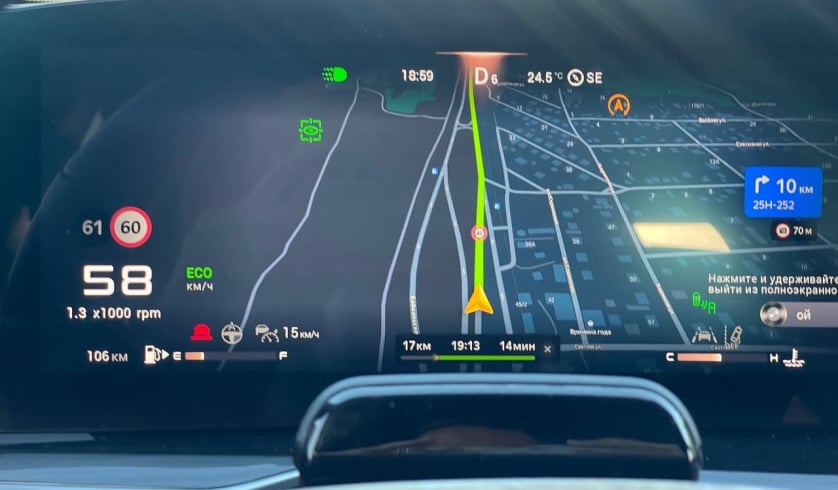
For a new route, choose a navigation app you enjoy instead of changing habits to suit factory menus.
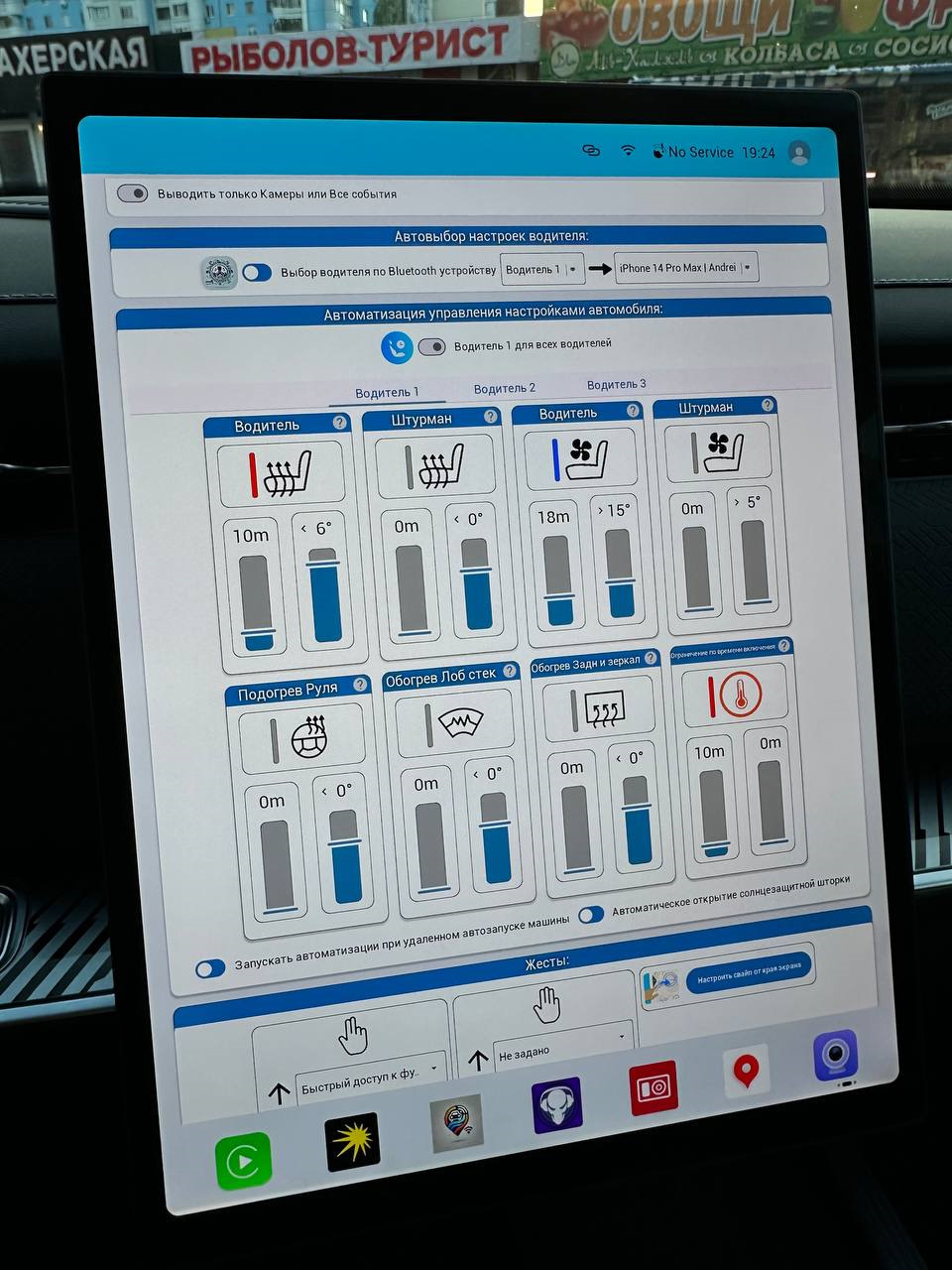
Combine repeated ESTEO actions into a convenient sequence and call it with one command.
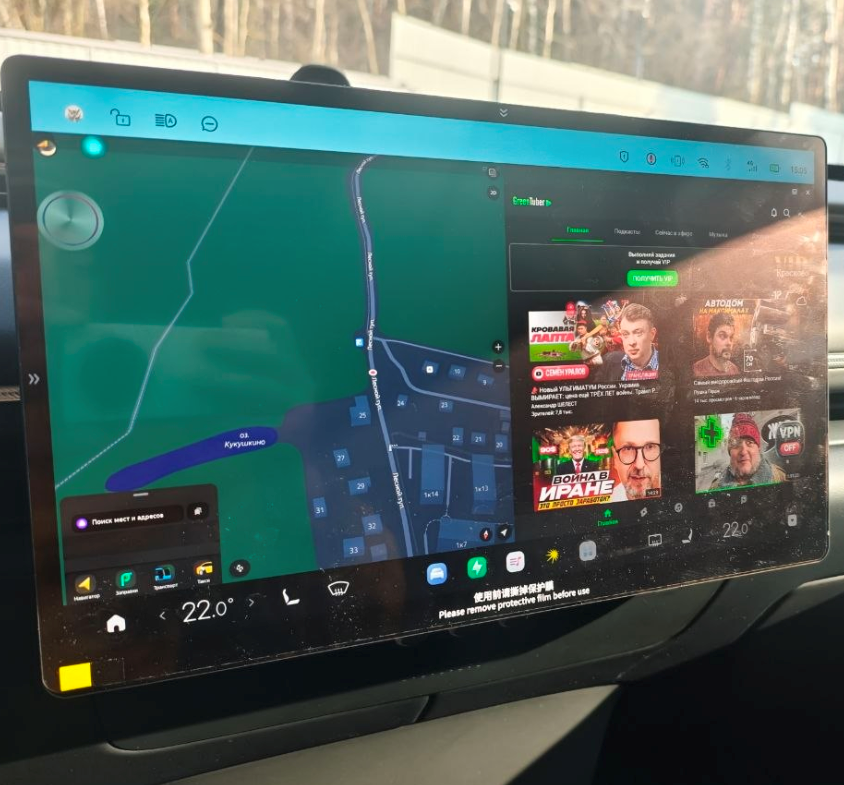
Keep two useful apps on display to combine route guidance with audio selection.