iCAR and iCAUR: your screen, your apps
Models: iCAR / iCAUR 03T · V23 · V27
A distinctive car deserves a screen with your personality. For iCAR and iCAUR, explore JCarTools ideas for favourite apps, convenient controls and everyday shortcuts.
Models: iCAR / iCAUR 03T · V23 · V27
A distinctive car deserves a screen with your personality. For iCAR and iCAUR, explore JCarTools ideas for favourite apps, convenient controls and everyday shortcuts.
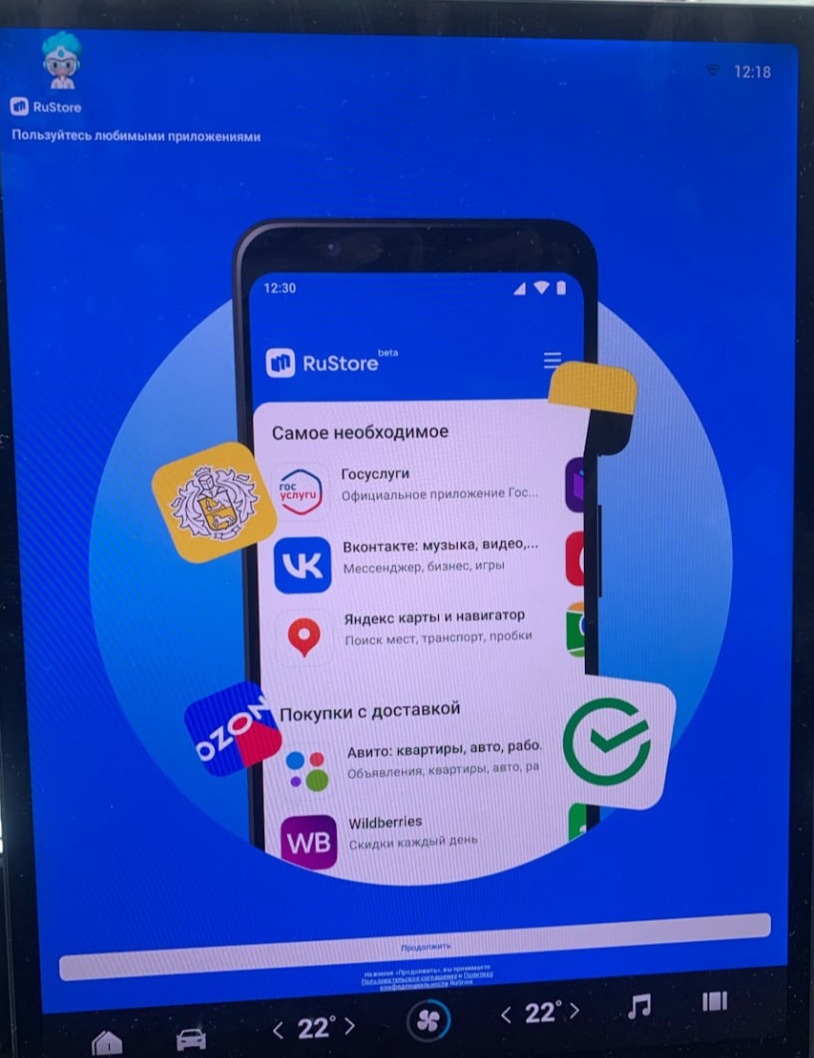
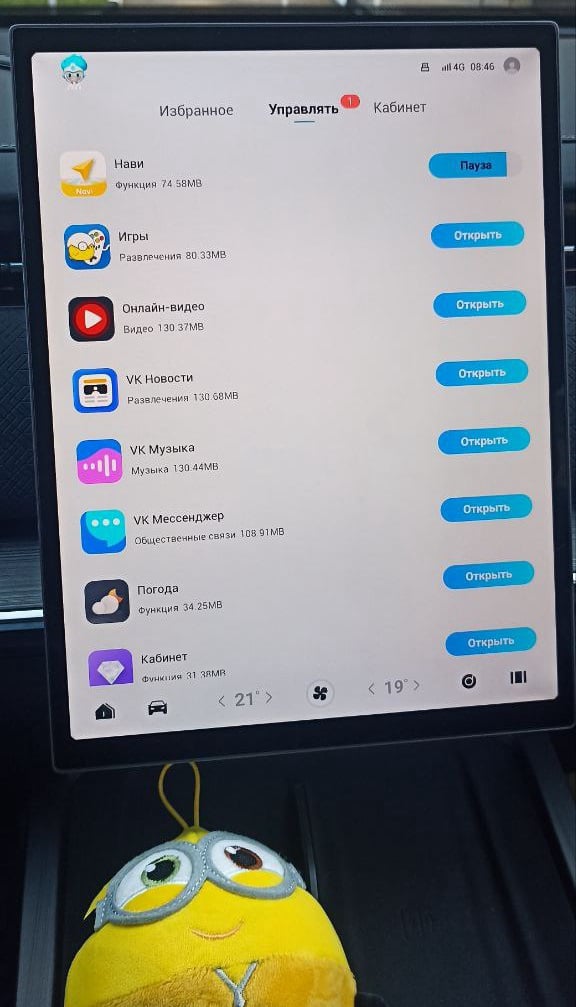
Build a personal travel selection: apps for routes, audio and useful stops along the way.
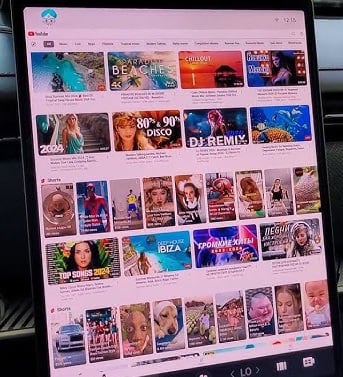
After the drive, take a break with a favourite video: the car screen can offer more than vehicle menus.
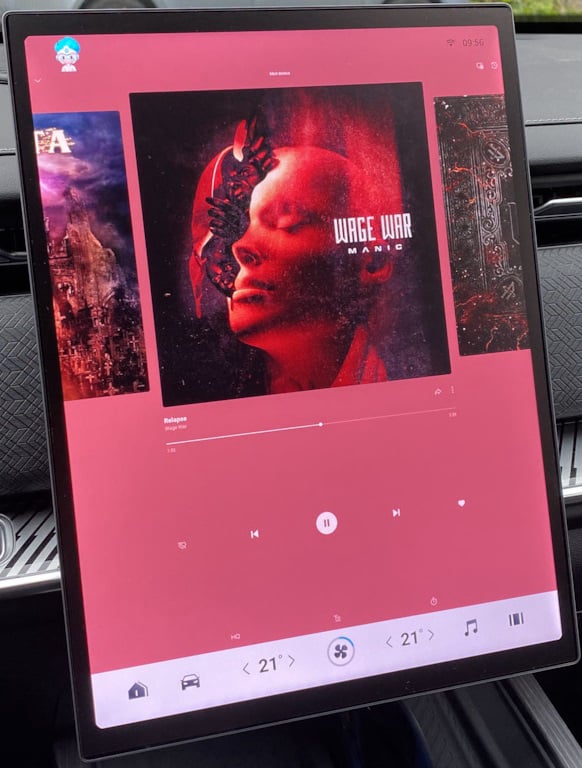
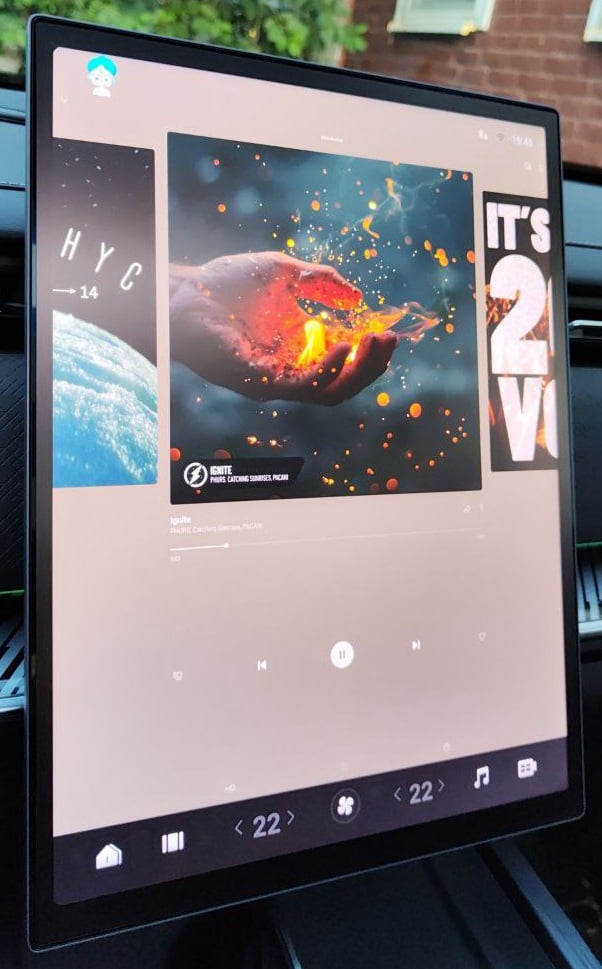
Choose your own music and launch method for a city rhythm or a countryside mood.
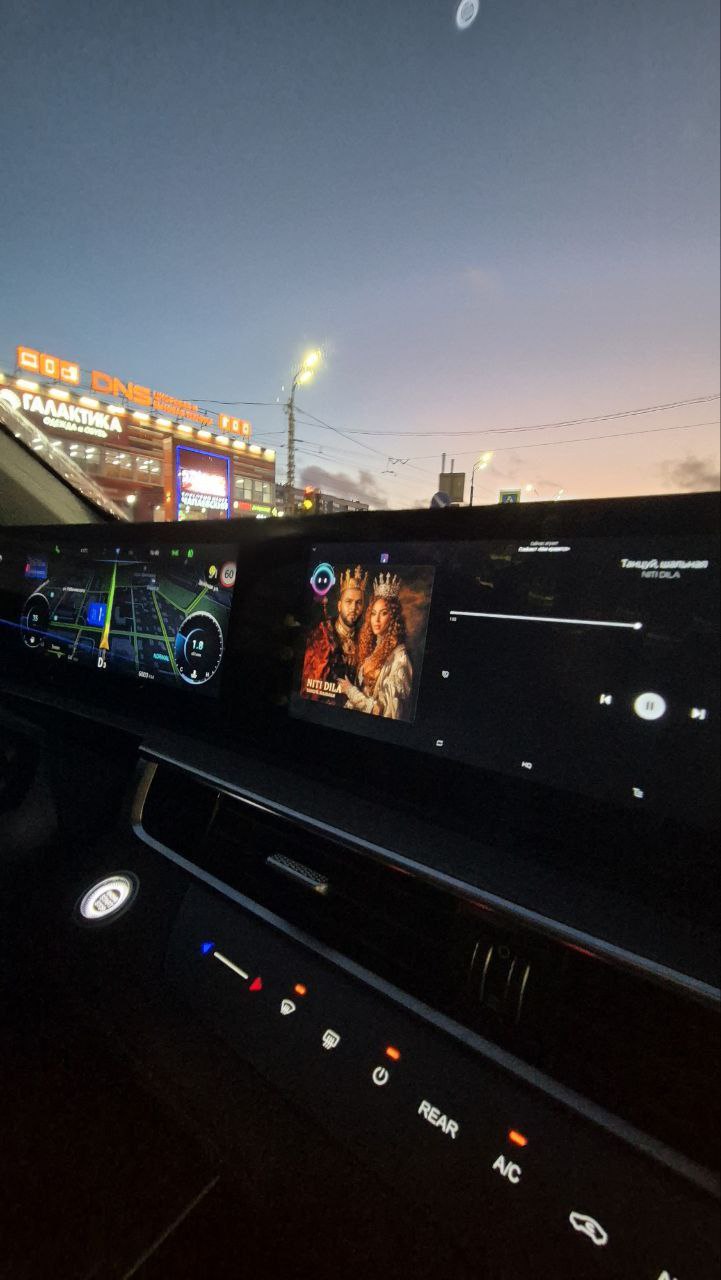
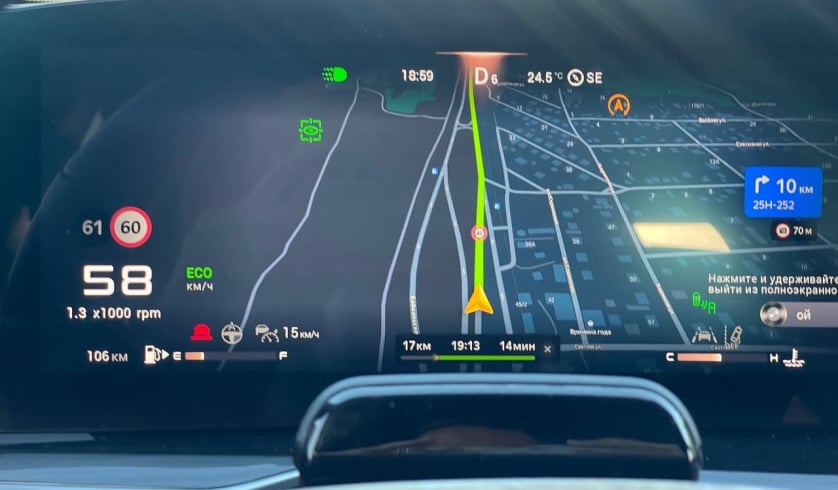
Explore new destinations with a navigation app you trust, complementing the character of iCAR and iCAUR.
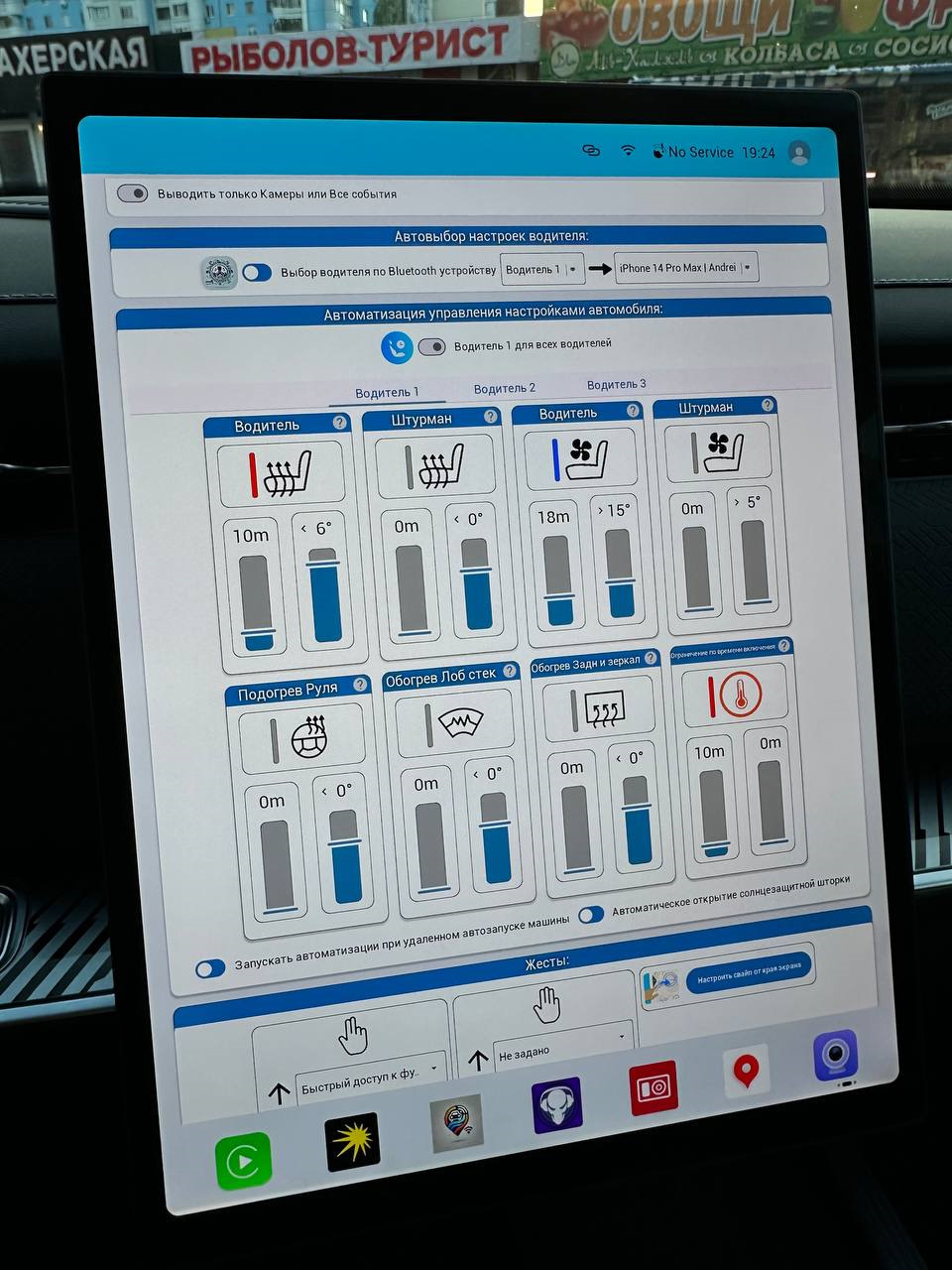
Prepare everyday commands in advance and call a routine without a long chain of taps.
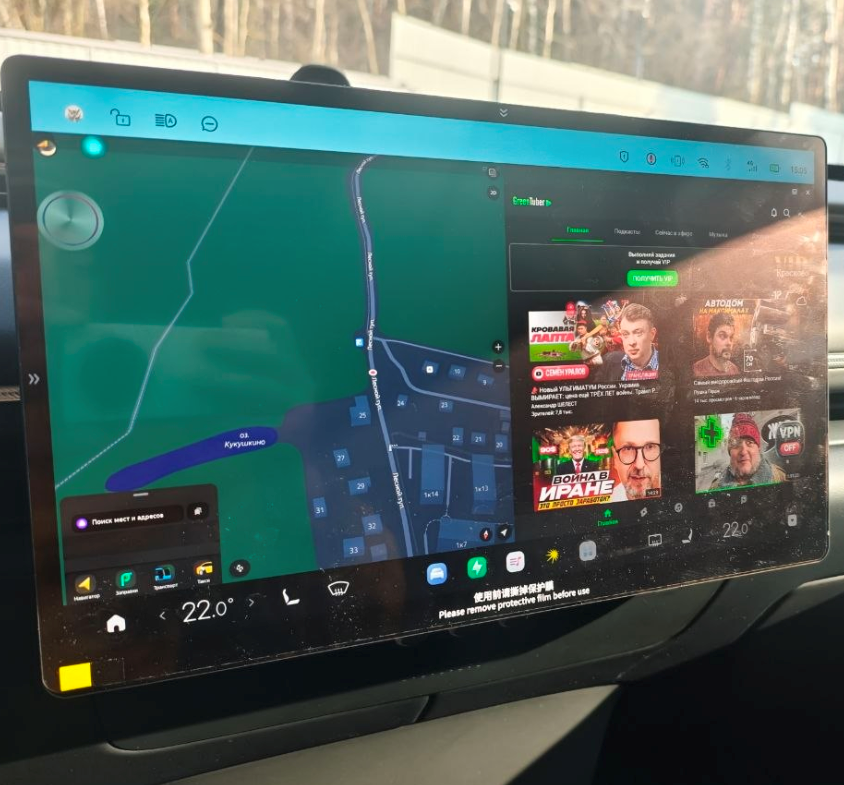
Place useful programmes side by side and decide how to use your display space.