Apps for LEPAS: a more convenient screen

Models: LEPAS L4 · L6 · L8

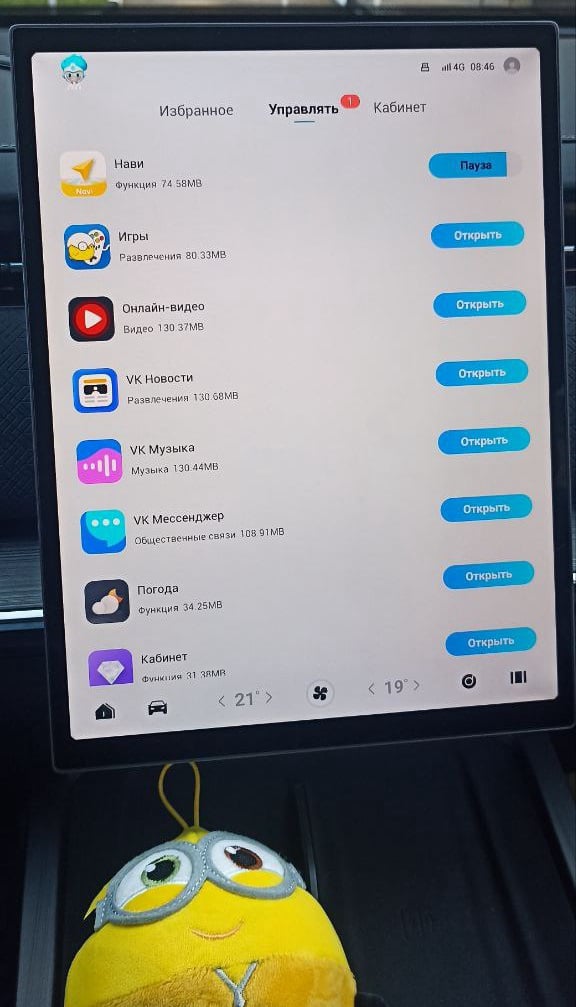
Let the LEPAS screen help your journey instead of demanding extra attention. Explore JCarTools for music, apps and easier access to the things you use most.
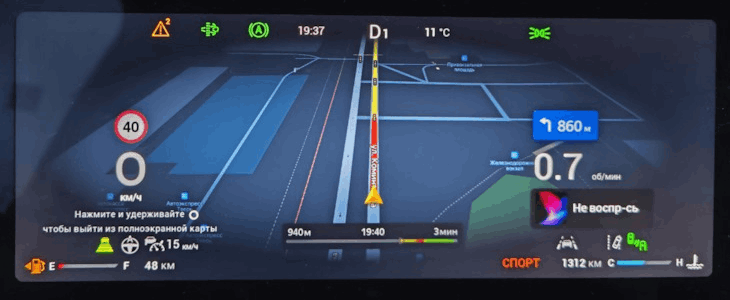
JCarTools feature example

With JCarTools You Can Also

Start simply: a favourite music service, a clear map and a useful button. When everything has a place, the display feels calmer. Discuss a LEPAS setup like this and add other options gradually, without turning the daily drive into a settings lesson.
JCarTools feature example
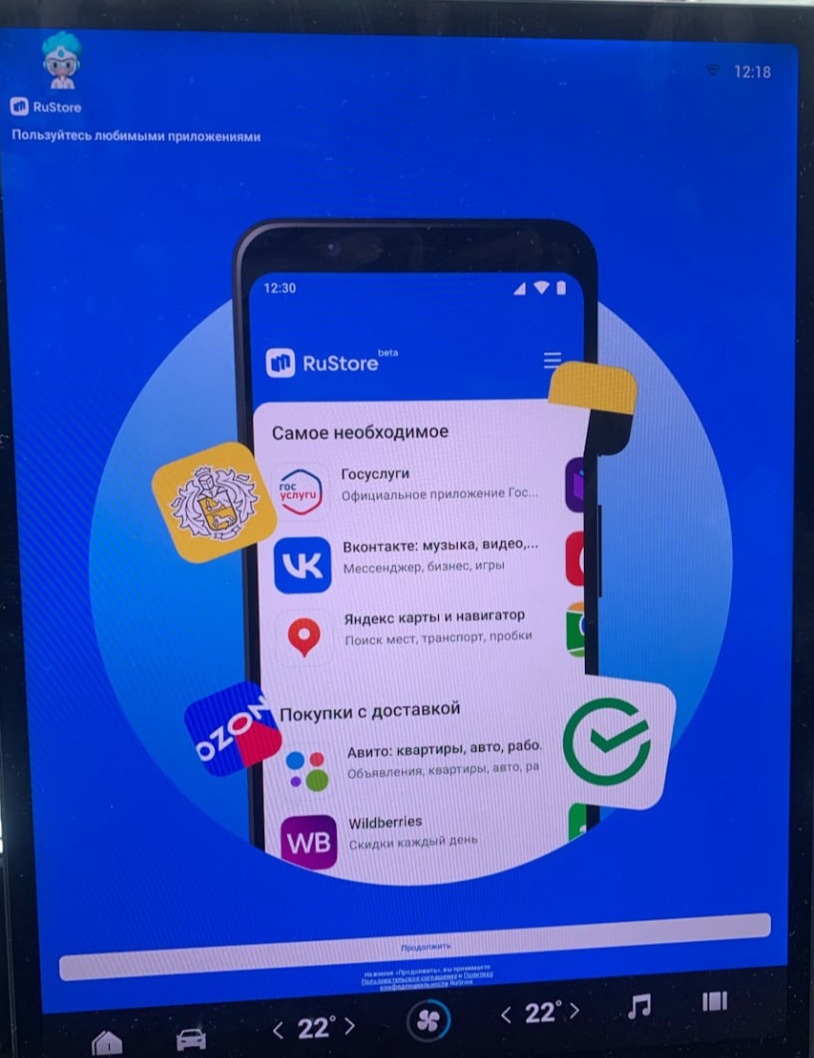
Store

Choose apps around your day: a commute, a family trip or a short escape from the city.
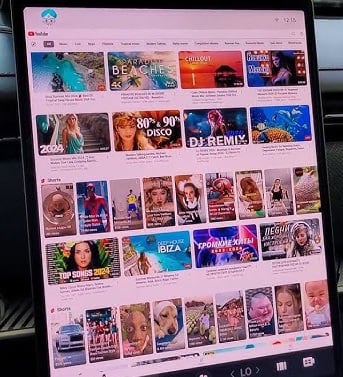
JCarTools feature example
Video

While parked, use the LEPAS display to enjoy a video or online film.
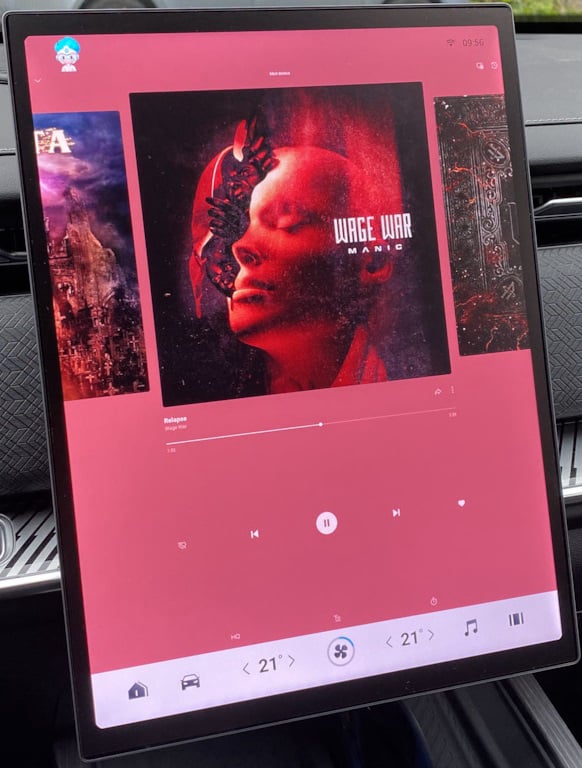
JCarTools feature example
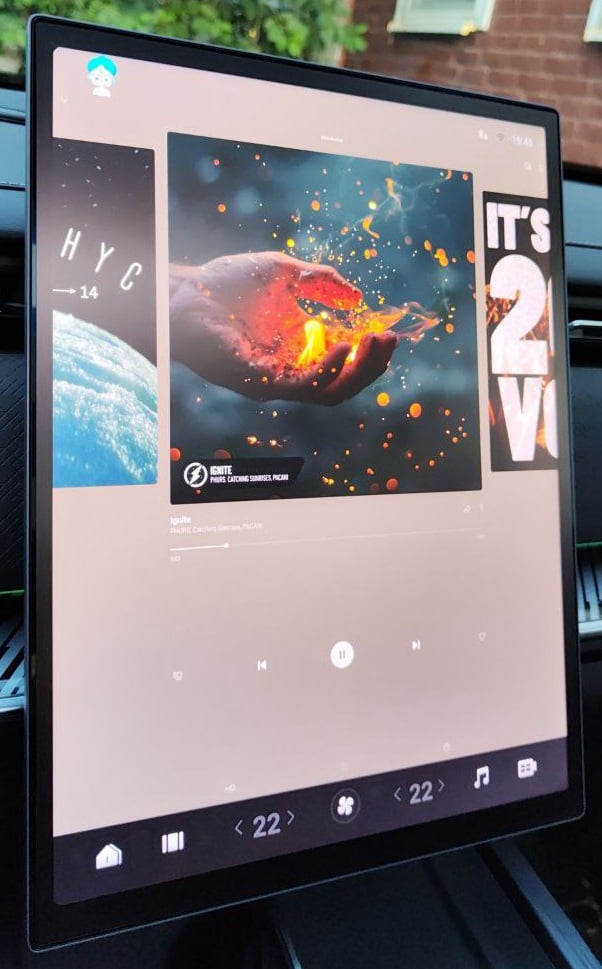
Music

Make room for favourite albums on a journey with audio apps that suit your taste.
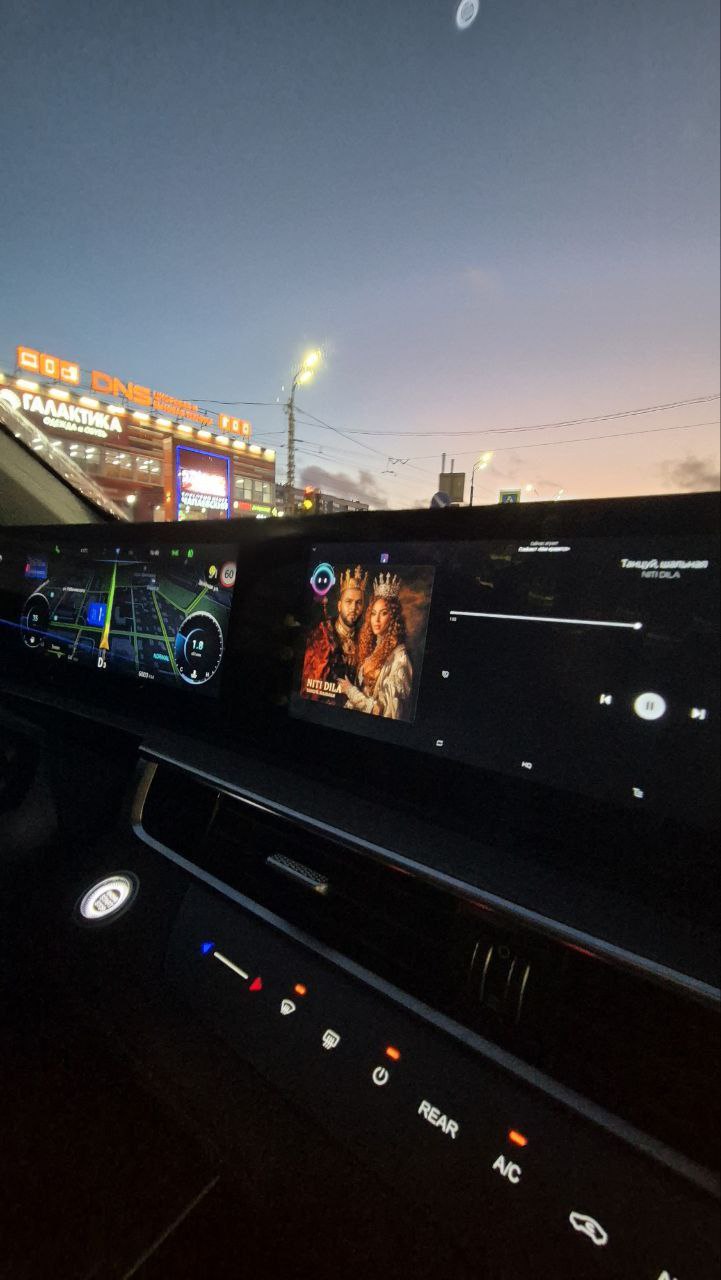
JCarTools feature example
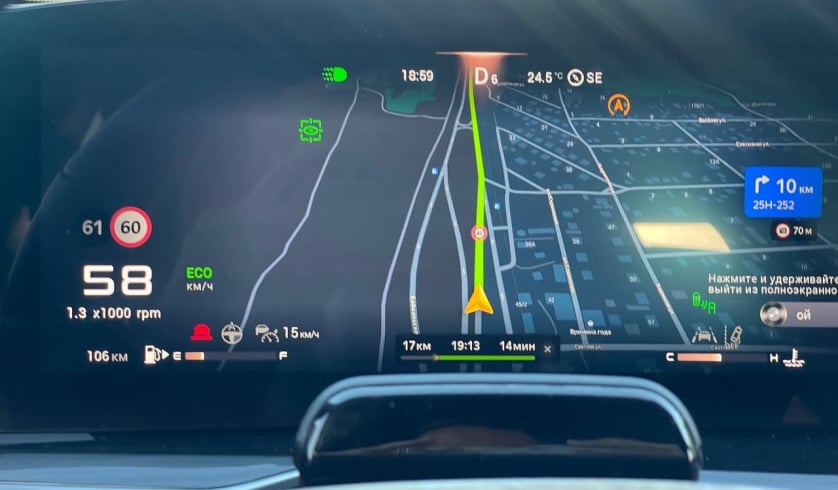
Navigation

Clear navigation makes a route feel calmer: add a map for familiar trips and new places.
JCarTools feature example
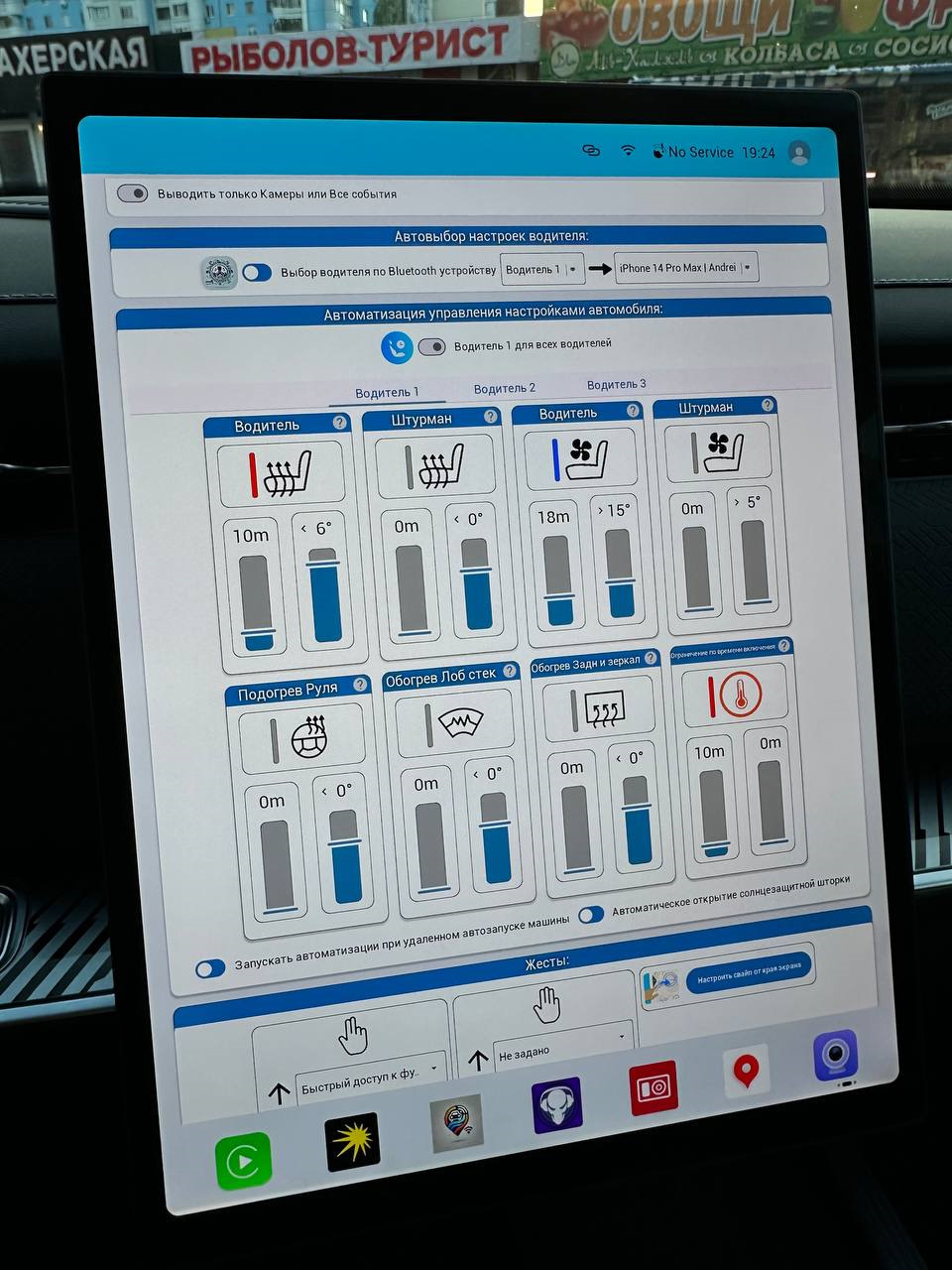
Automation

Start with one available LEPAS action you would like to simplify rather than configuring everything at once.
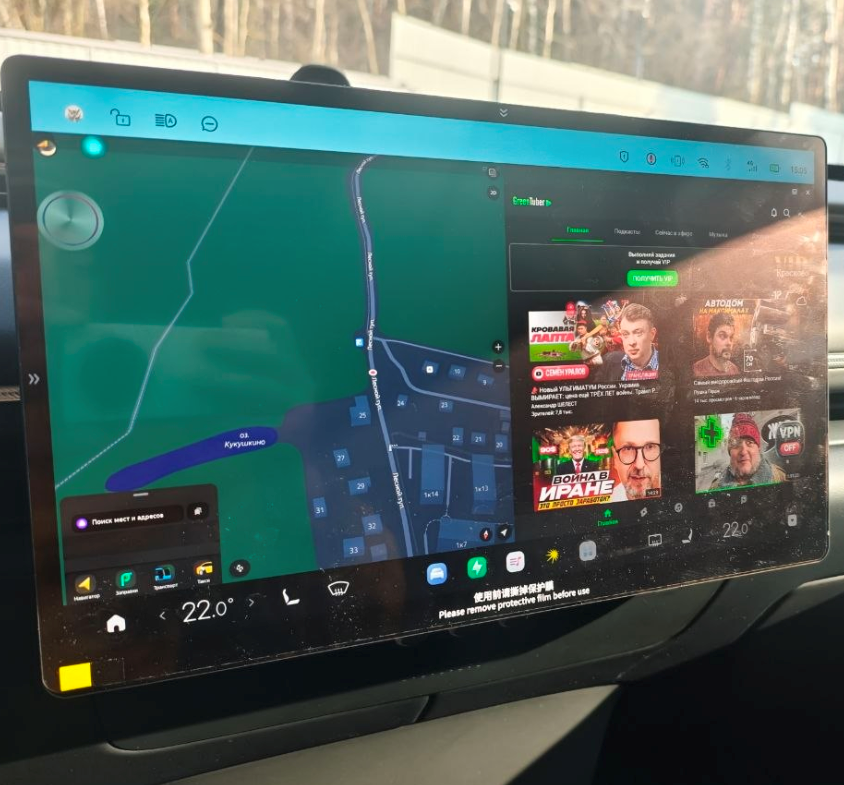
Split screen mode on Android
Split Screen Mode

Keep a useful pair of apps together and arrange the L4, L6 or L8 screen around your plans.
Frequently Asked Questions

JCarTools feature example

Warranty

No interference with the car's system. Uses only built-in OS functions.
JCarTools feature example

Difficulty

Very easy procedure. You need a USB TYPE-A - TYPE-A cable and a laptop with a browser or OTG adapter for phone.

JCarTools feature example

Safety

Installing apps does not harm your vehicle.
JCarTools feature example

After Installation

Post-installation FAQs

Start Installation

The process is very simple! You will need a laptop with Chrome browser, USB TYPE-A <-> TYPE-A cable, and a USB flash drive.

Contacts

Contacts
Telegram channel: