Sportequipe: favourite apps within reach with JCarTools
Models: Sportequipe 6 GT · 7 GTW · 8 PHEV
More freedom on the Sportequipe screen. JCarTools helps you explore travel apps and simpler ways to control them with buttons, gestures or voice.
Models: Sportequipe 6 GT · 7 GTW · 8 PHEV
More freedom on the Sportequipe screen. JCarTools helps you explore travel apps and simpler ways to control them with buttons, gestures or voice.
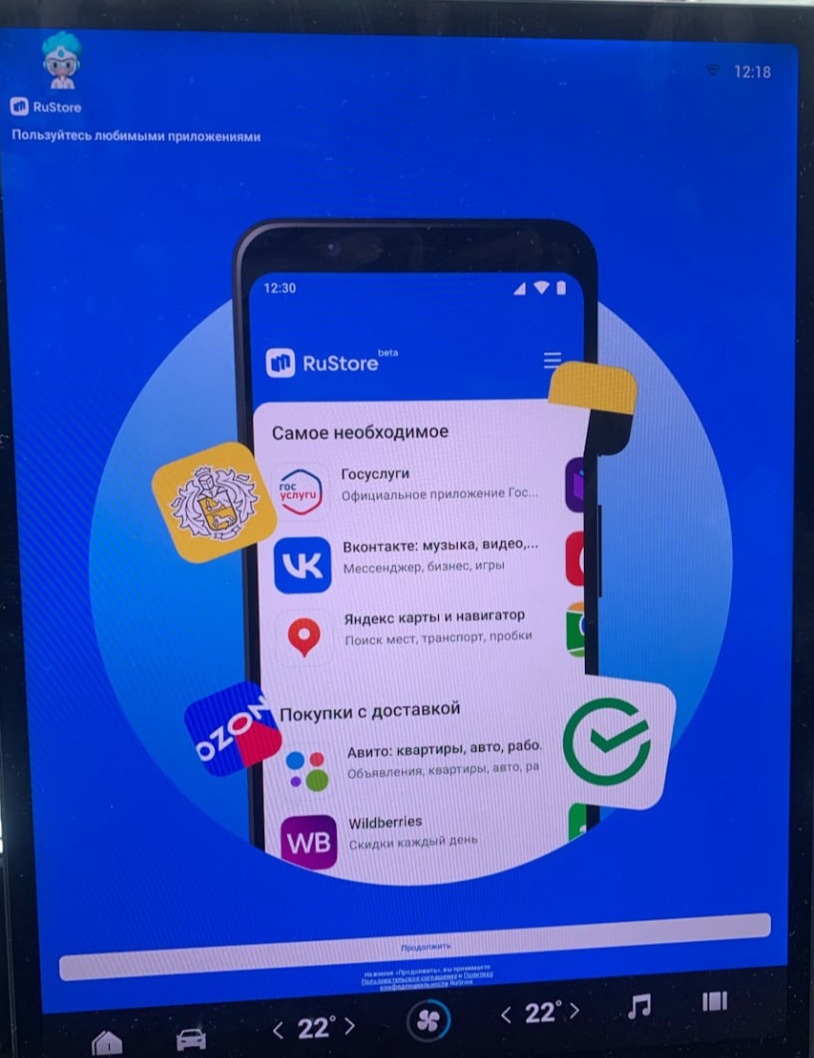
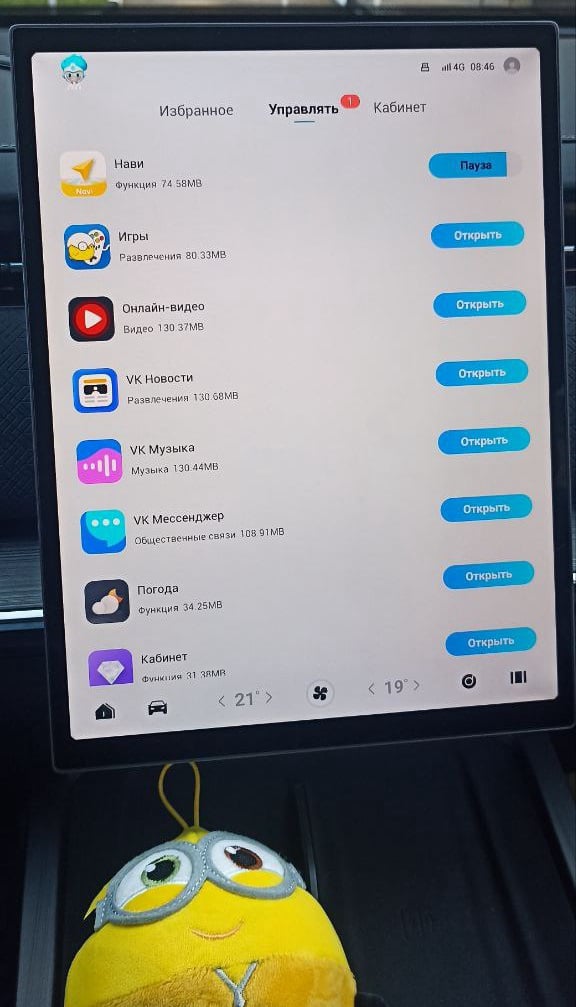
Build an app selection for your pace: city music, travel maps and entertainment while parked.
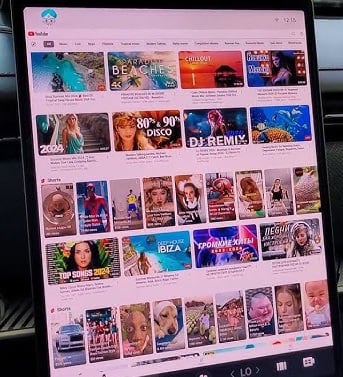
While parked, your Sportequipe can host a short film break with a favourite video service.
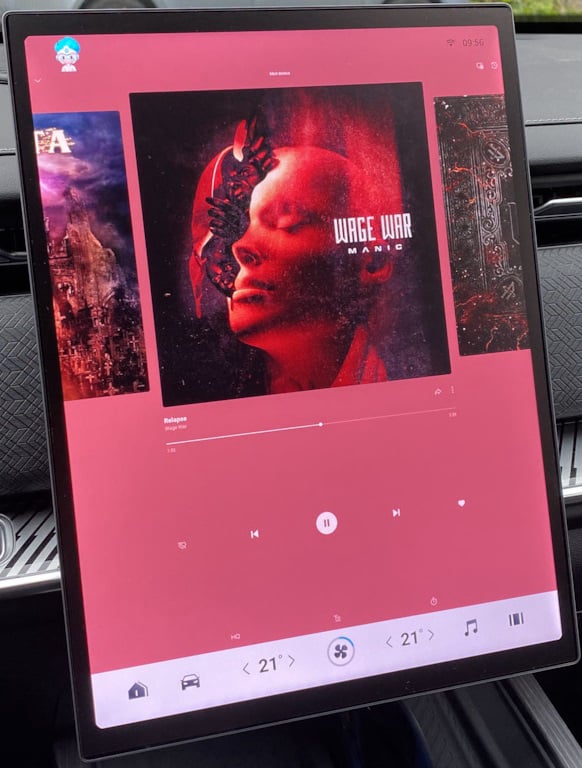
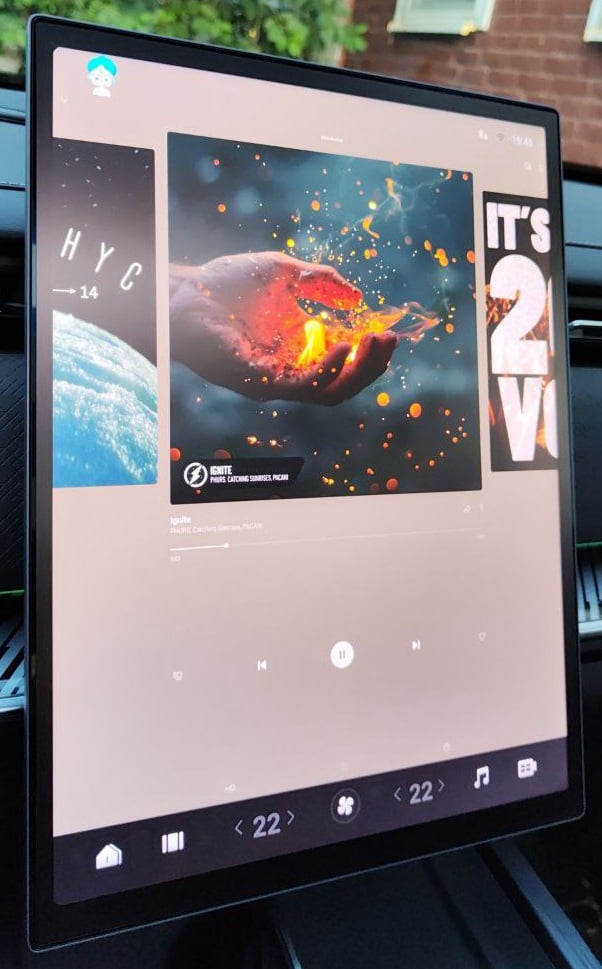
Listen at your own pace, from city playlists to albums for a long road.
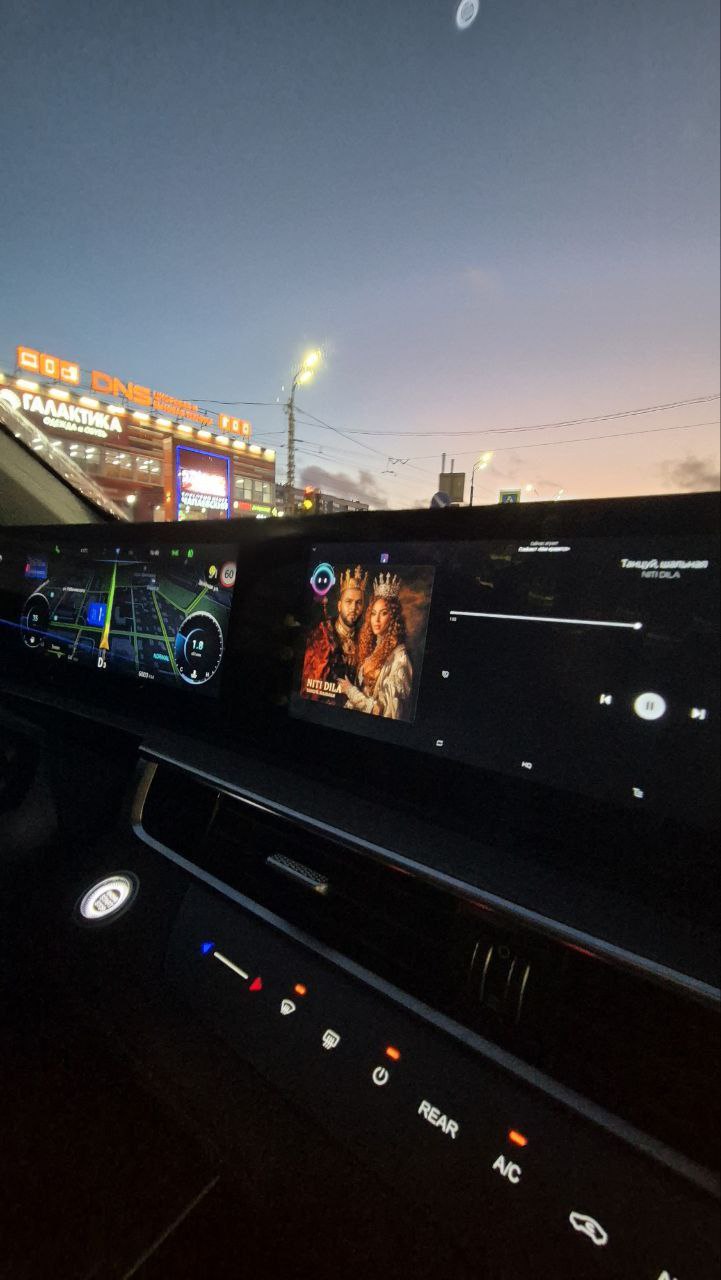
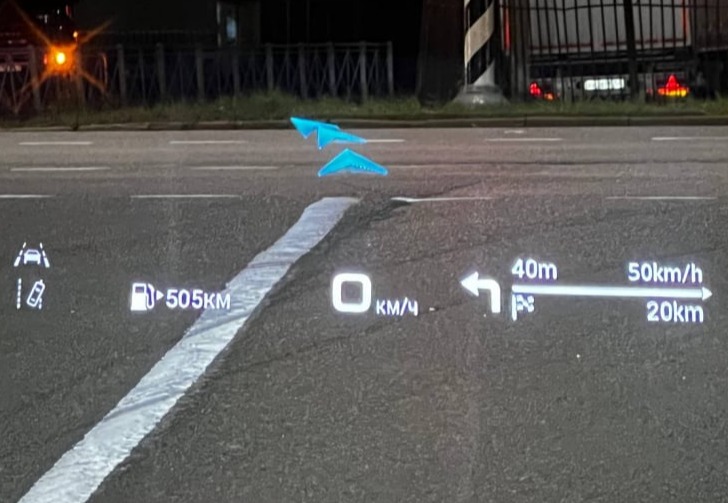
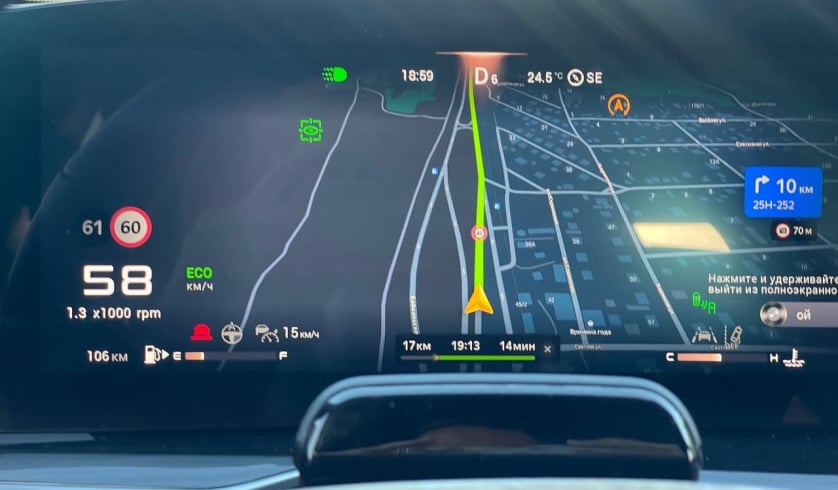
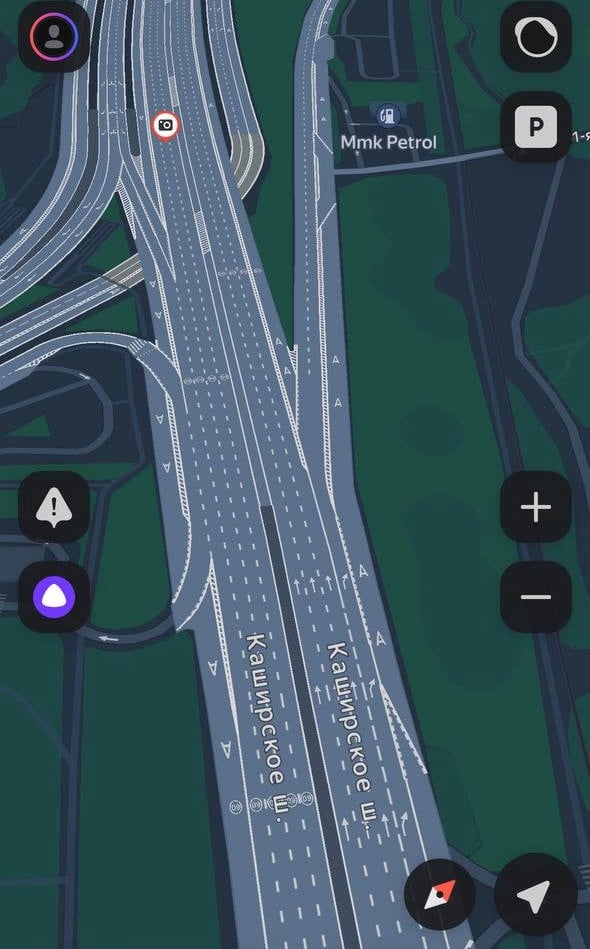
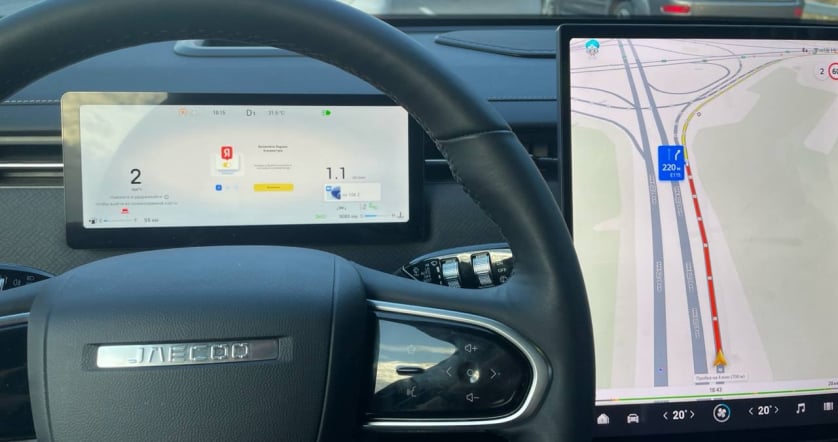
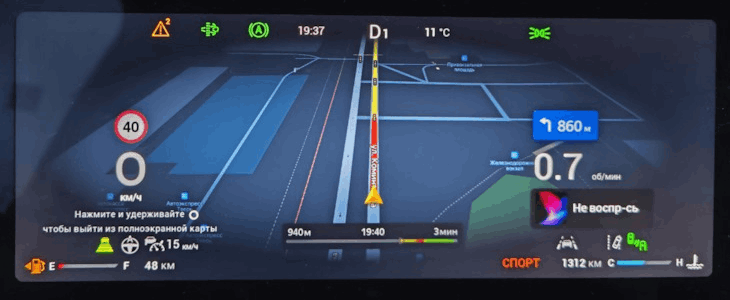
A familiar navigation app helps you follow the route when unfamiliar streets lie ahead.
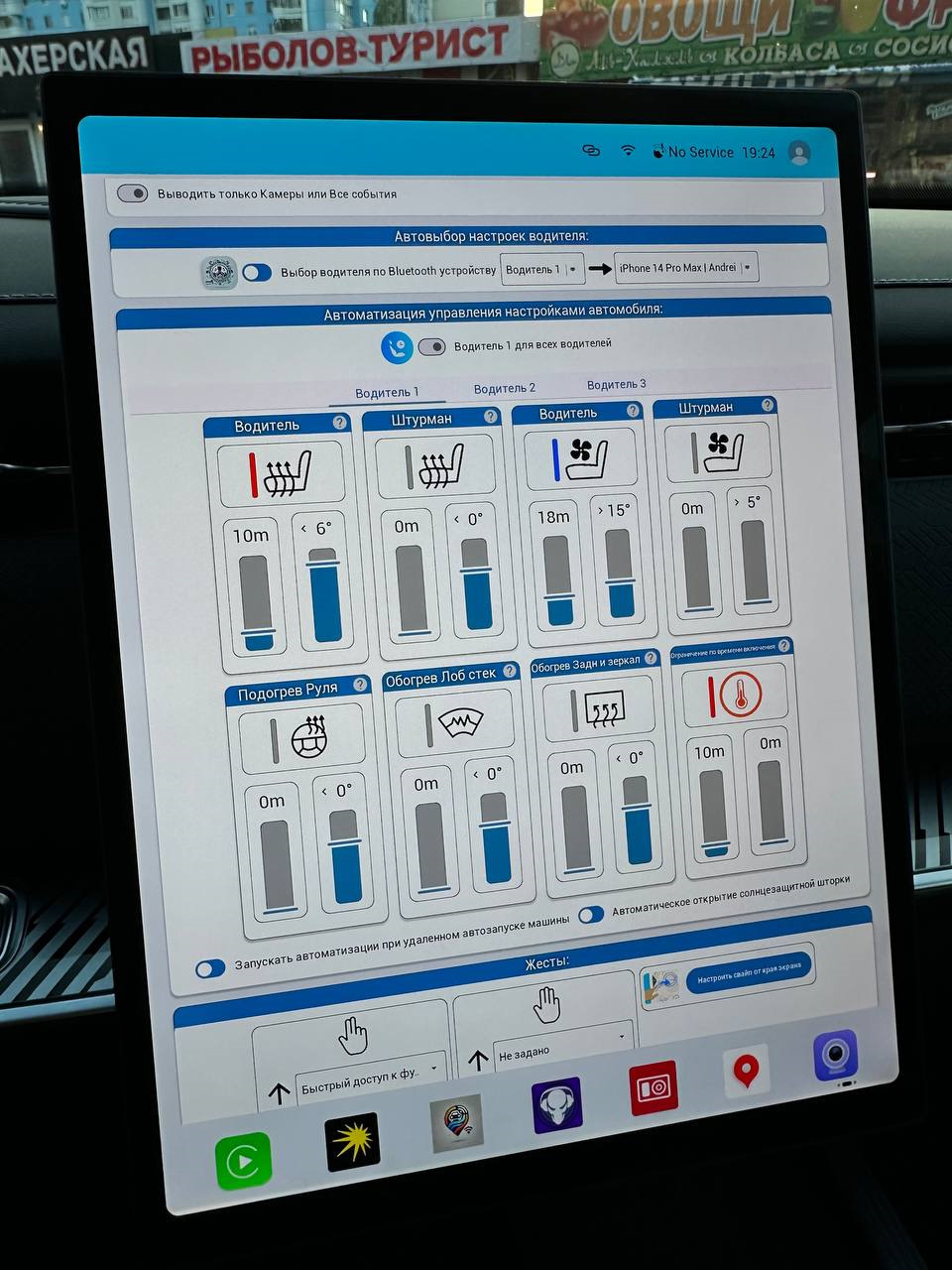
A prepared action group starts a trip without repeating the same command sequence.
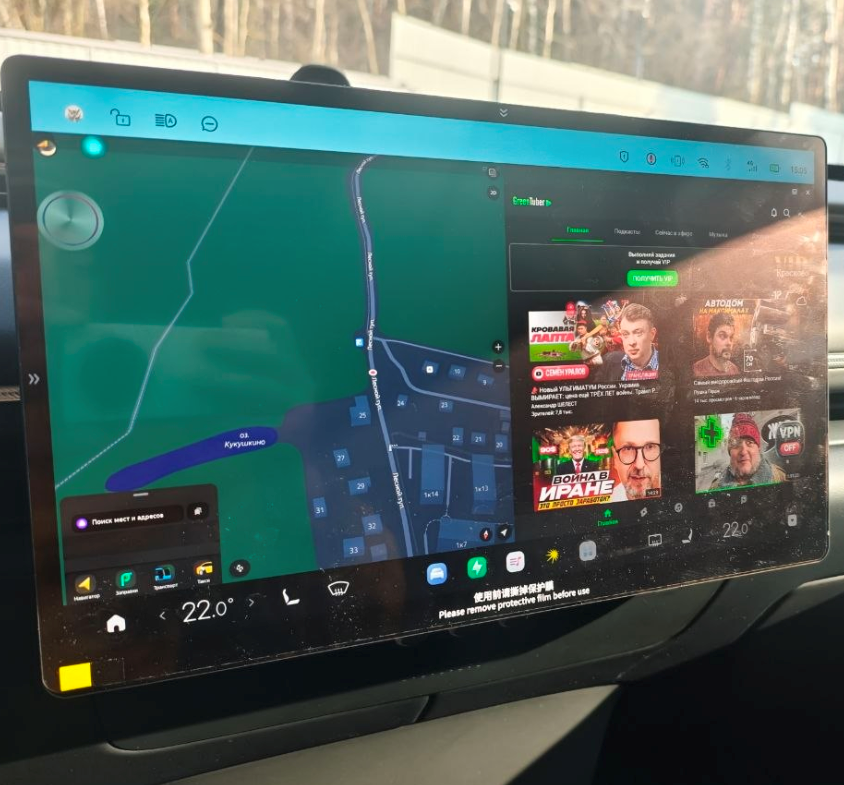
When maps and music belong together, split-screen operation reduces trips between windows.