TENET Plus L4 and L6: music, apps and quick launches
Models: TENET Plus L4 · L6
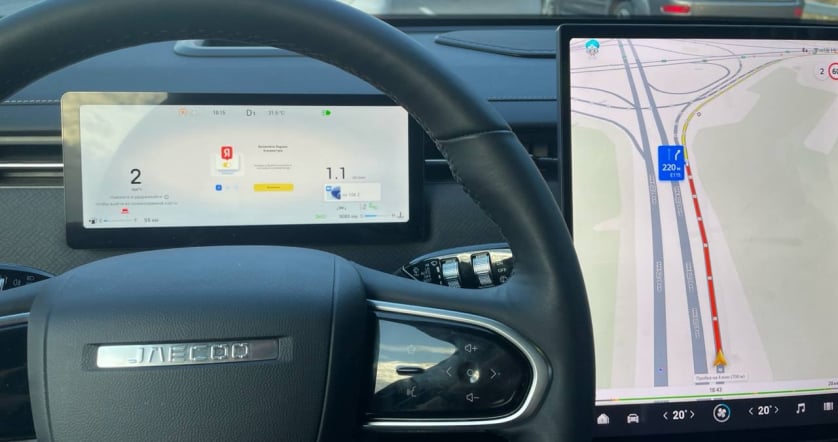
Get more use from the large TENET Plus display. With JCarTools, explore convenient access to music, apps and everyday commands around your driving habits.
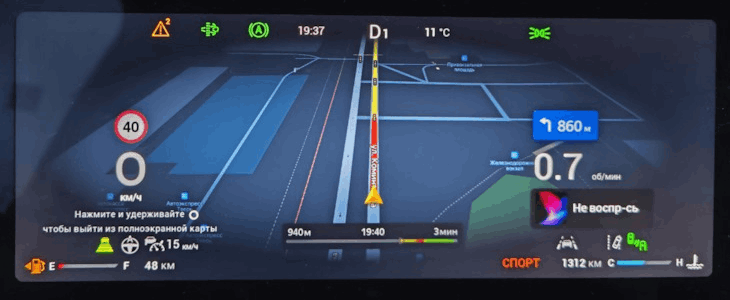
Models: TENET Plus L4 · L6
Get more use from the large TENET Plus display. With JCarTools, explore convenient access to music, apps and everyday commands around your driving habits.
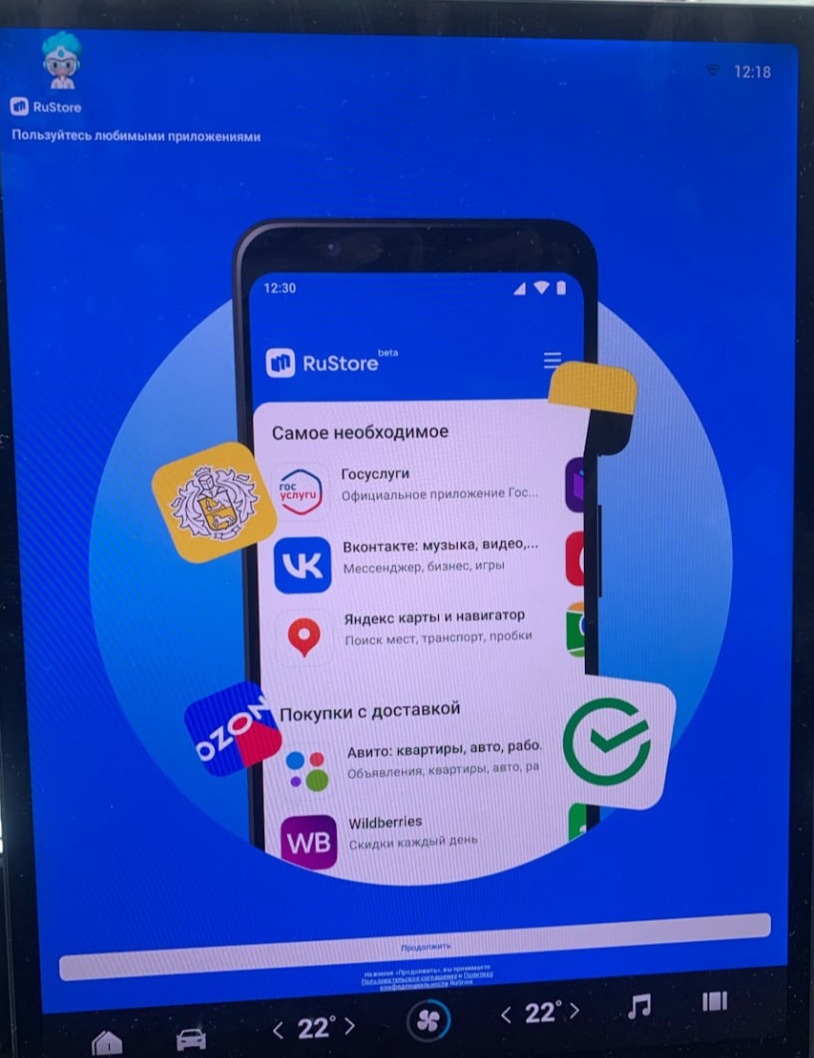
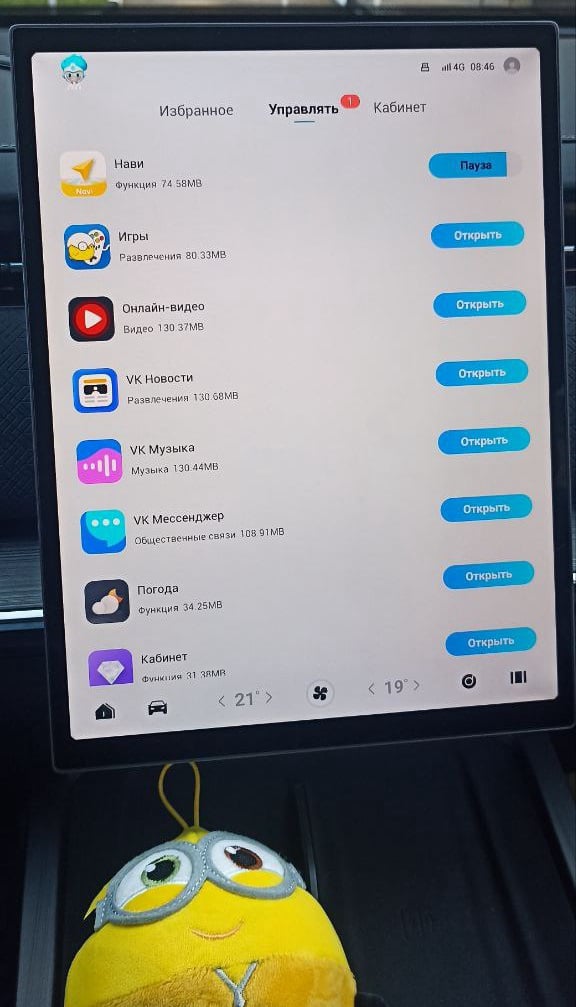
Play your own collections and choose apps for familiar roads or new destinations. The display should serve your plans.
Let favourite programmes accompany a break on the road with video apps on the TENET Plus screen.
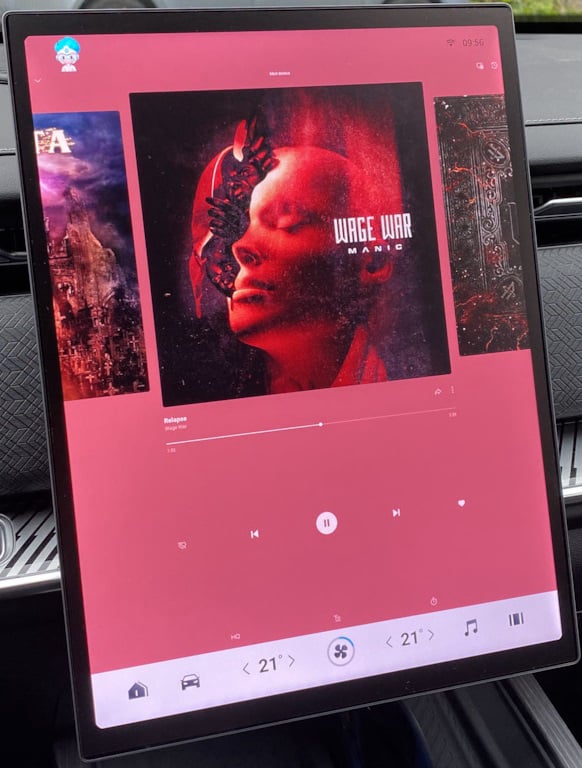
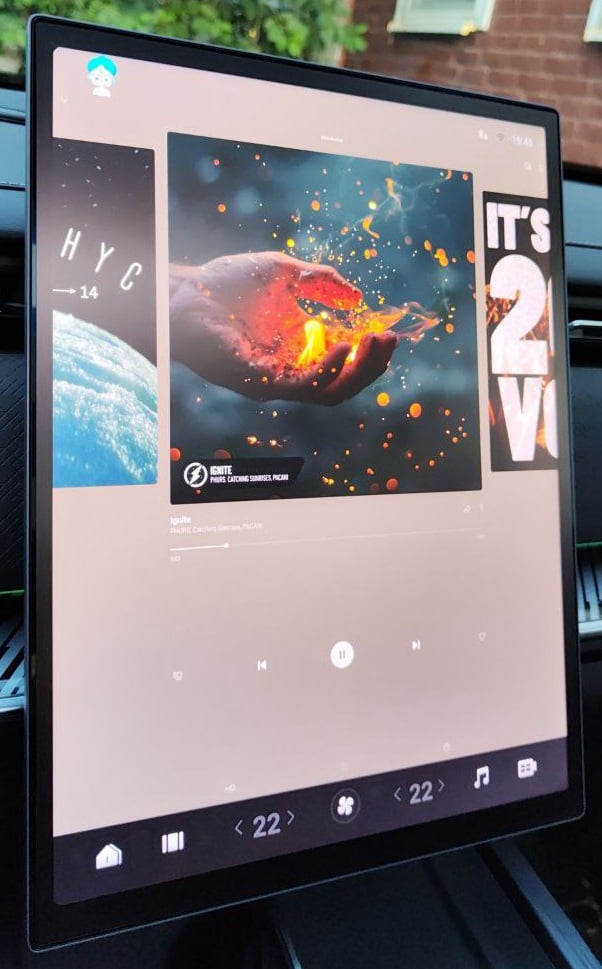
Let the L4 or L6 welcome you with familiar playlists instead of searching your phone for a service.
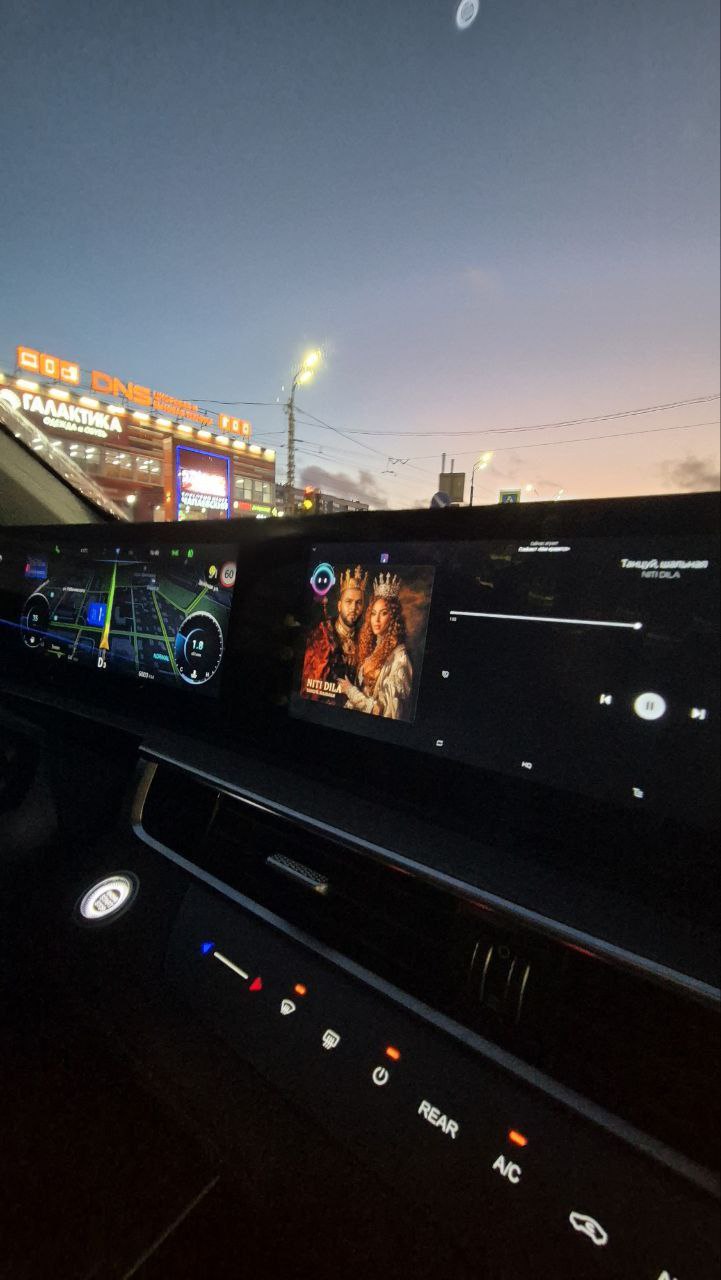
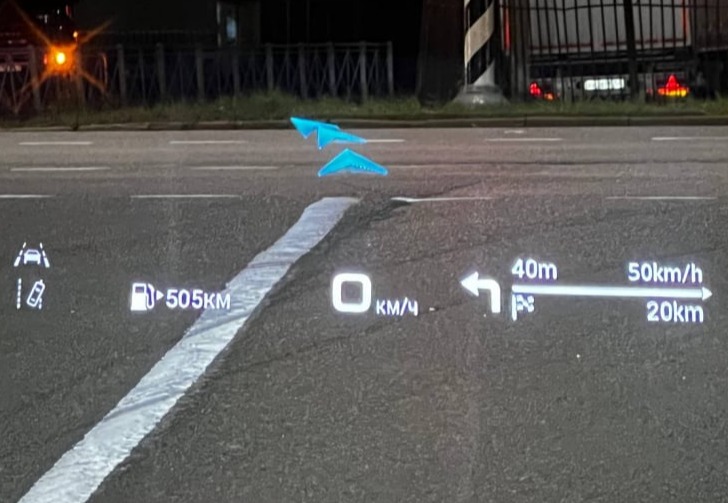
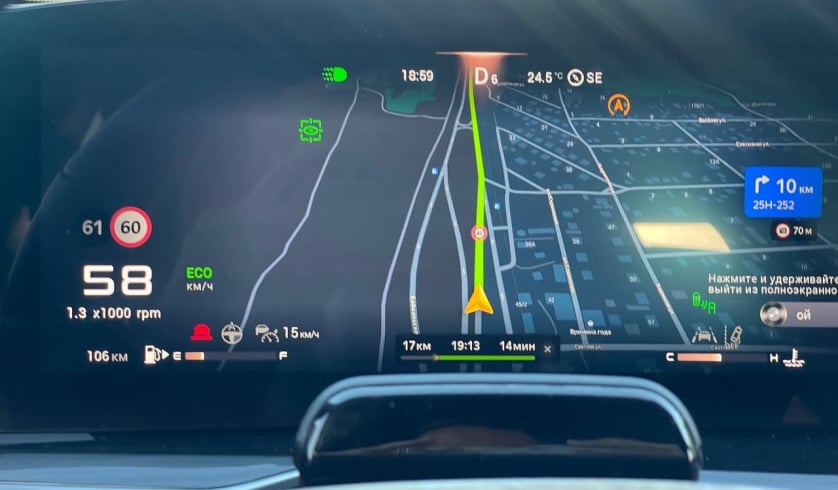
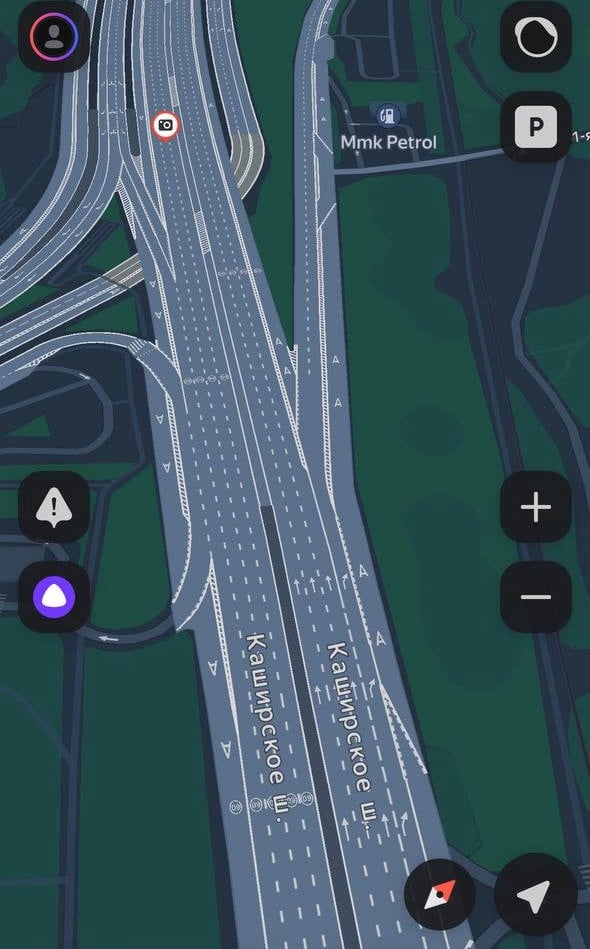
Add navigation for work, family trips and travel: a useful map serves many different plans.
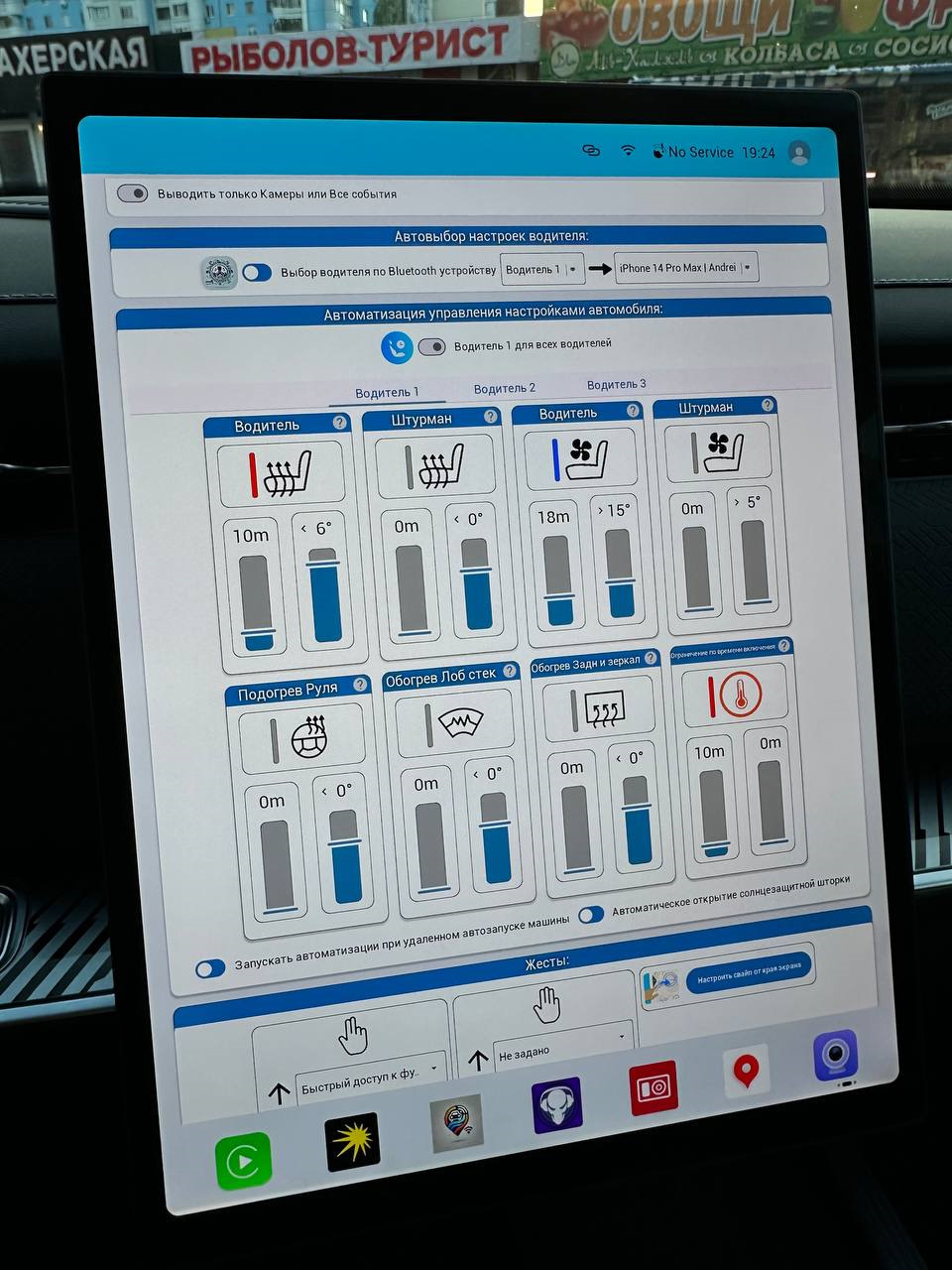
Make TENET Plus startup more familiar with available commands and prepared action groups.
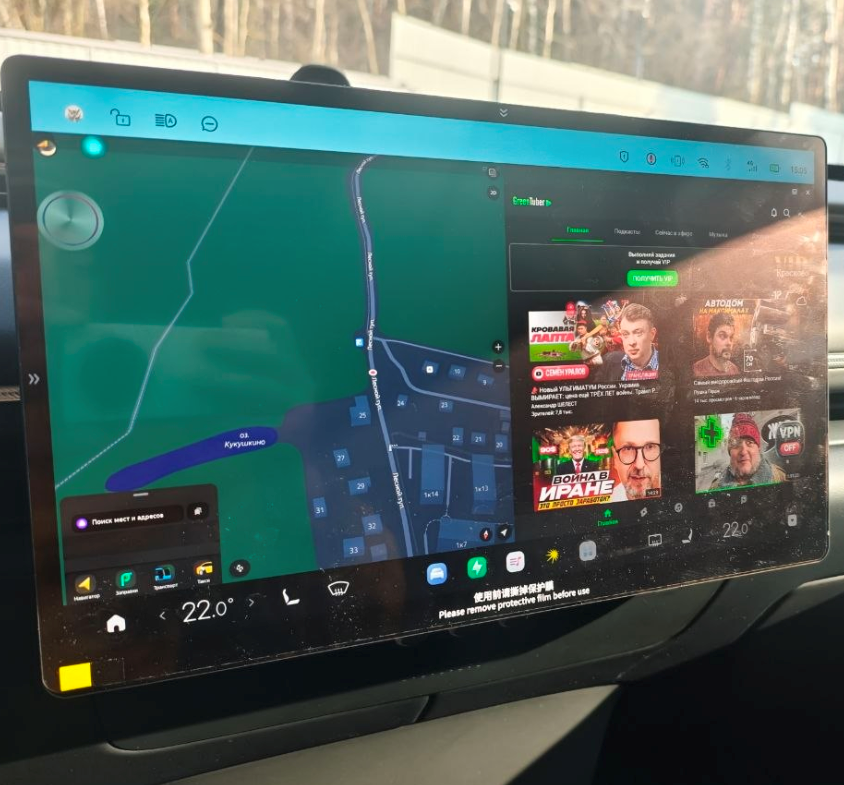
Use the display for a map and a second app together when you want more useful information in view.